
概要
BedrockBridge is a bot that connects your Minecraft Bedrock Server (bds) to your discord: chat stream, events, commands ...and much more!
Have you ever wanted to connect your bedrock server to discord? Chat with your online friends, manage your server, run commands and much more... all from discord! Now you can, simply by installing BedrockBridge pack and inviting this bot to your discord server!! All it needs is beta-api enabled.
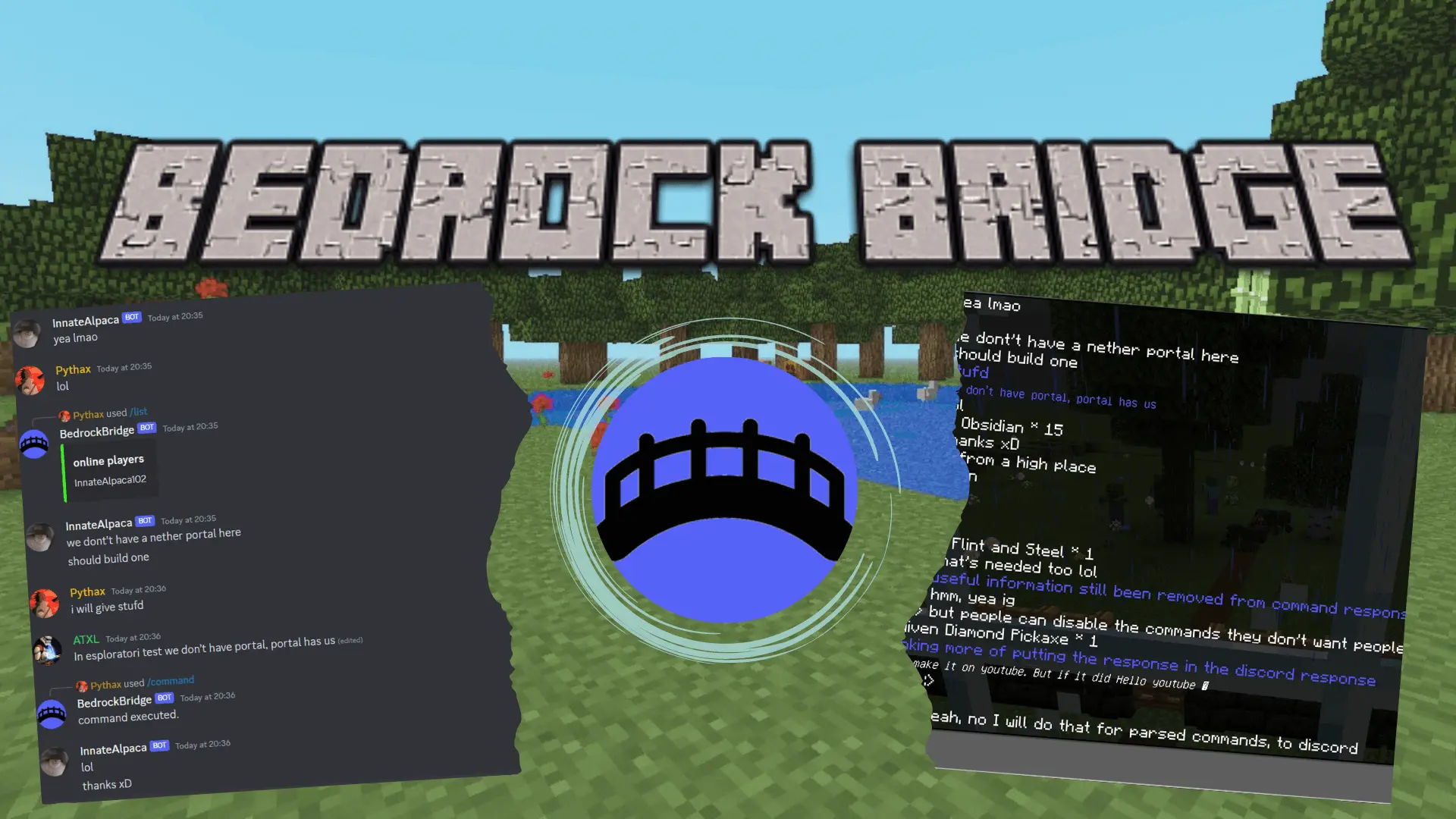
BedrockBridge is an addon for Bedrock Dedicated Servers (warning: Realms are not supported for now) that connects minecraft servers to discord and allows you to manage them at best!
Best features:
- Bidirectional chat stream.
- Xbox pfp, or optionally discord pfp and nametag displayed in discord for bedrock messages.
- Customizable chat display (edit how chat is displayed both on discord and bedrock using bridgeAPI), or download one of the plugins made by the community!
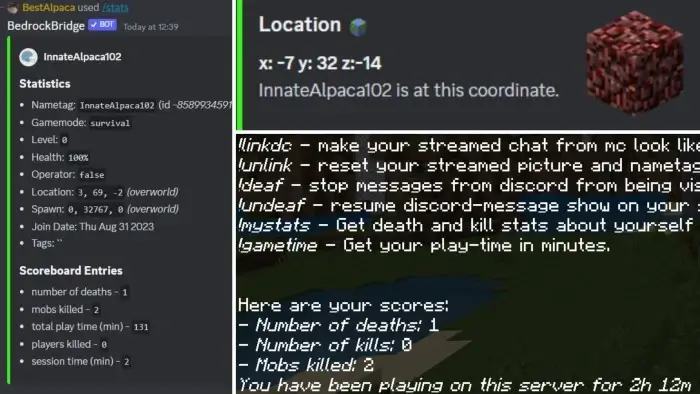
- Countless discord commands (full list at DOCS or YouTube) to manage your server at best such as command, ban, kick, mute, find, gamemode (check gamemodes), rename (change nametags), inventory (check inventories), stats.
- Event notifications: join, leave, death, server-start
- Active community: share your ideas, support other ideas for making this always better (a lot of current features are from users suggestion).
- Auto-installer tool, if you are having problems setting the addon up.
- Enhance your server's capabilities by installing bridge-addons: chat-rank, TPS, player-stats (deaths, kills, playtime...), warps, and custom commands... installation as hard as copy and paste!
Installation
Here a quick installation guide, we also have a youtube tutorial:
- Invite BedrockBridge discord bot to your discord-server.
- Choose the channel you want to have bedrock-chat streamed to and run
/setupin it. - Request a new token by running
/new-token. Keep it safe. - Download the BedrockBridge addon.
- Install BedrockBridge addon on your world, making sure to enable experiments (beta API) and ignore console error logs.
- Upload the world back to your server.
- Navigate to
/config/defaultand openpermissions.json. Add the following line to the file "@minecraft/server-net" making sure that it respects JSON format. - Start your server, join the game, and run
/scriptevent esploratori:setup. Now fill the form.
Note: Aternos users must fill in the origin setting
言語
- English
コミュニティレビュー
ログイン — レビューを書くにはログインしてください。
まだレビューがありません — 最初に体験を共有しましょう。
投票の統計
このガイドで過去30日間に記録されたものです。
過去30日間
- 投票
過去30日間、ここでの投票はありません。


