
소개
Cam the Ram is a Discord management bot who adds some school spirit to the server. Cam is designed to help manage CSU related servers.

Cam the Ram Discord Bot
This is a Python Discord bot designed to help moderate and enhance Colorado State University related servers. This bot is in no way affiliated with Colorado State University. This bot is essentially a reskin of Robo Rick (another bot I created). If you would like to add Cam the Ram to your server click here.
Bot events:
Welcome message
- Welcomes new members into the server by name with a random welcome message related to CSU.

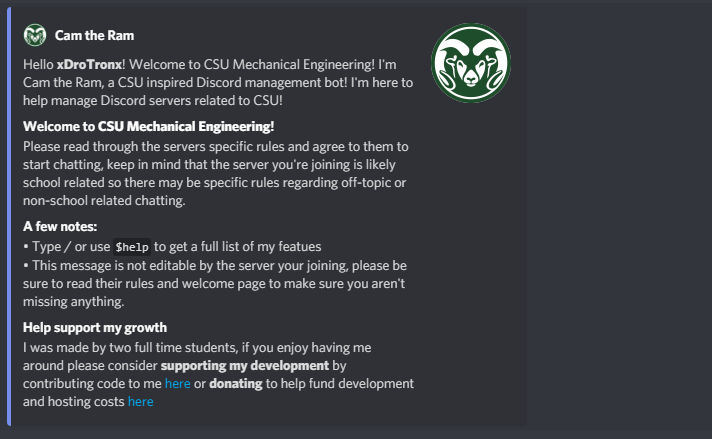
Welcome DM
- Welcomes new members into the server by sending them a DM
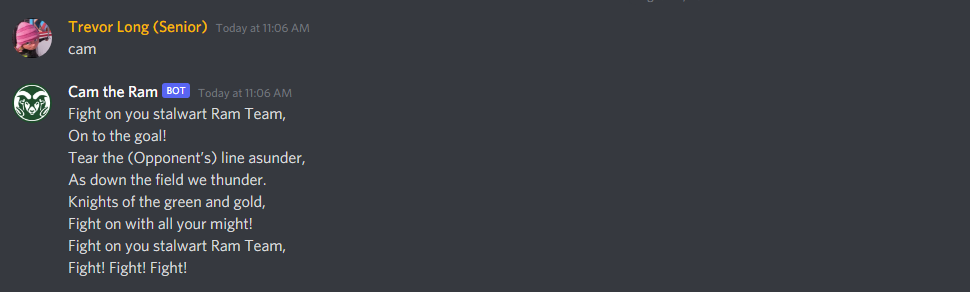
Chat response
- Responds to "cam" with the CSU Fight Song
Changes bot status
- Cam the Ram's status is "Watching MECH324 Lecture"

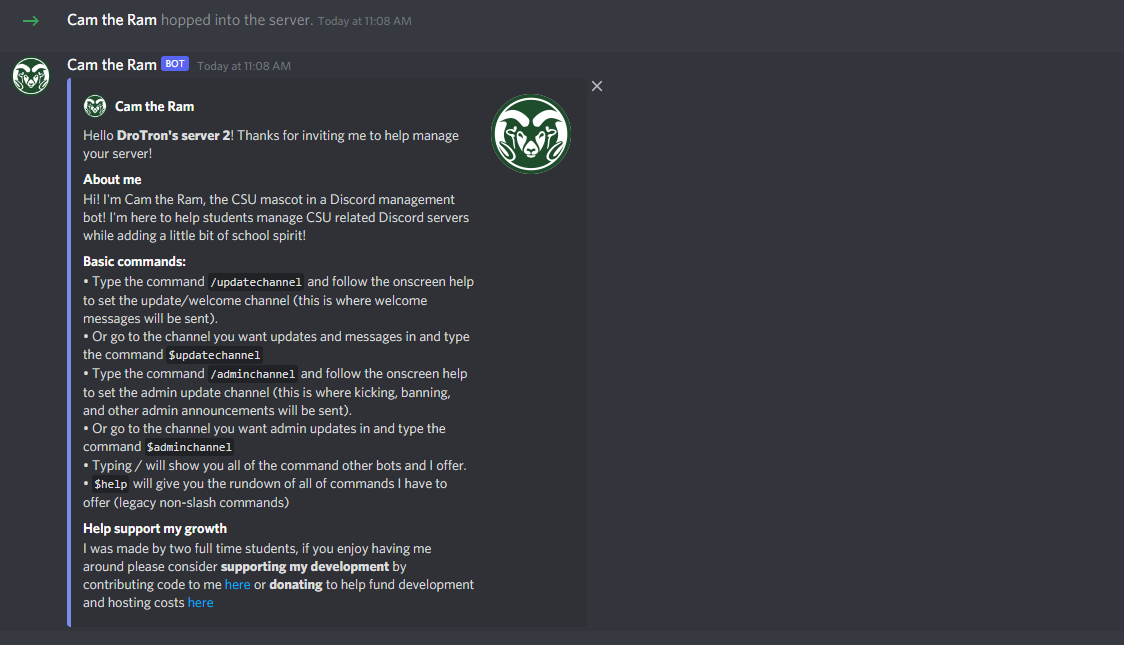
Join server message
- Cam the Ram sends a message in the default channel when he joins the server for the first time introducing himself
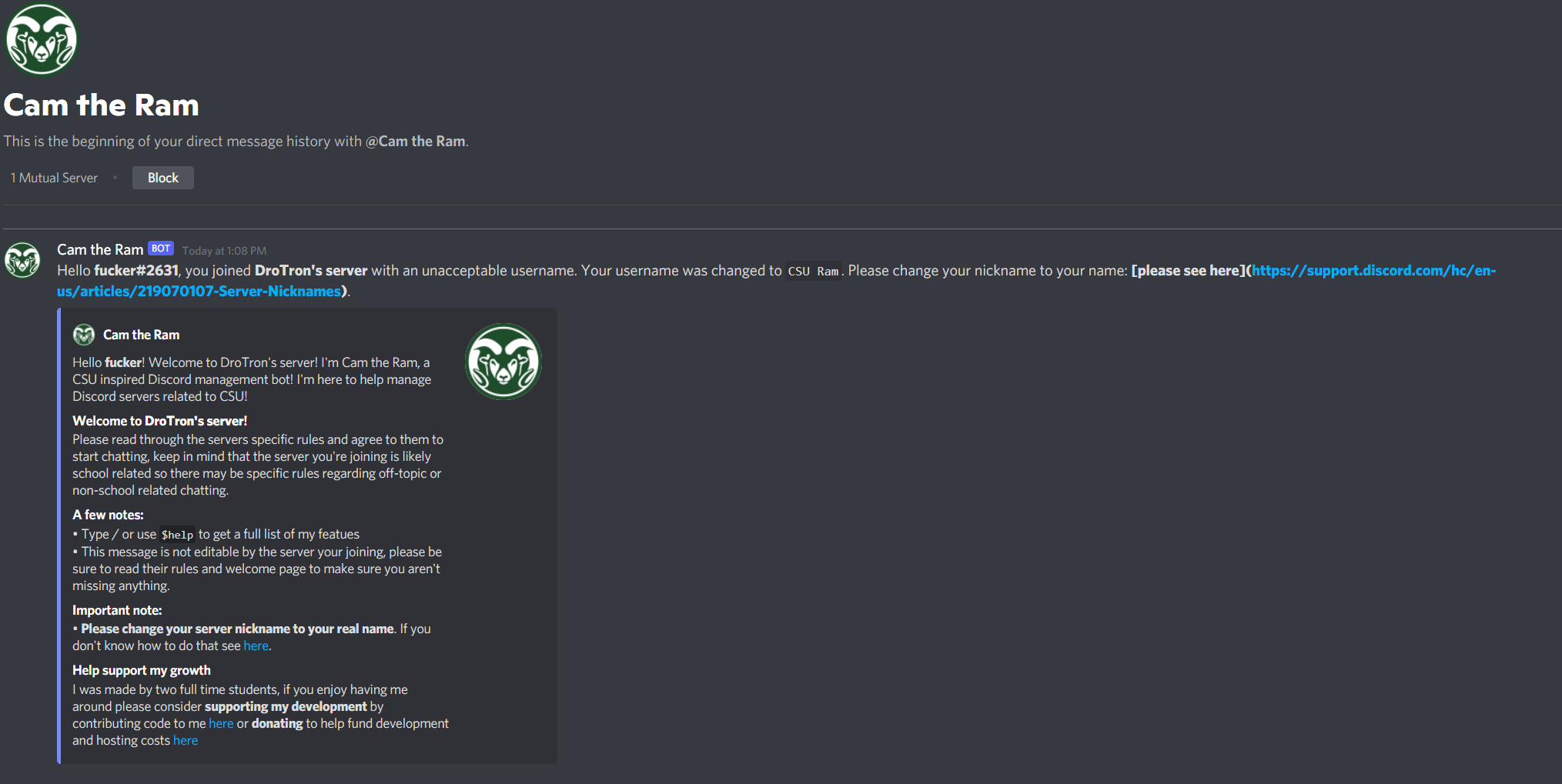
Changes usernames containing bad language when joining a server
- Cam the Ram change a username that contains swear words to "CSU Ram"
- The author of the message and the admin channel will get an update explaining what happened.

Removes messages with excessive capital letters
- Cam the Ram will remove messages that are sent with more then 50% capital letters
- The author of the message and the admin channel will get an update explaining what happened.

Removes messages with swear words
- Cam the Ram will remove messages that are sent with a swear word inside
- The author of the message and the admin channel will get an update explaining what happened.

Slash Commands:
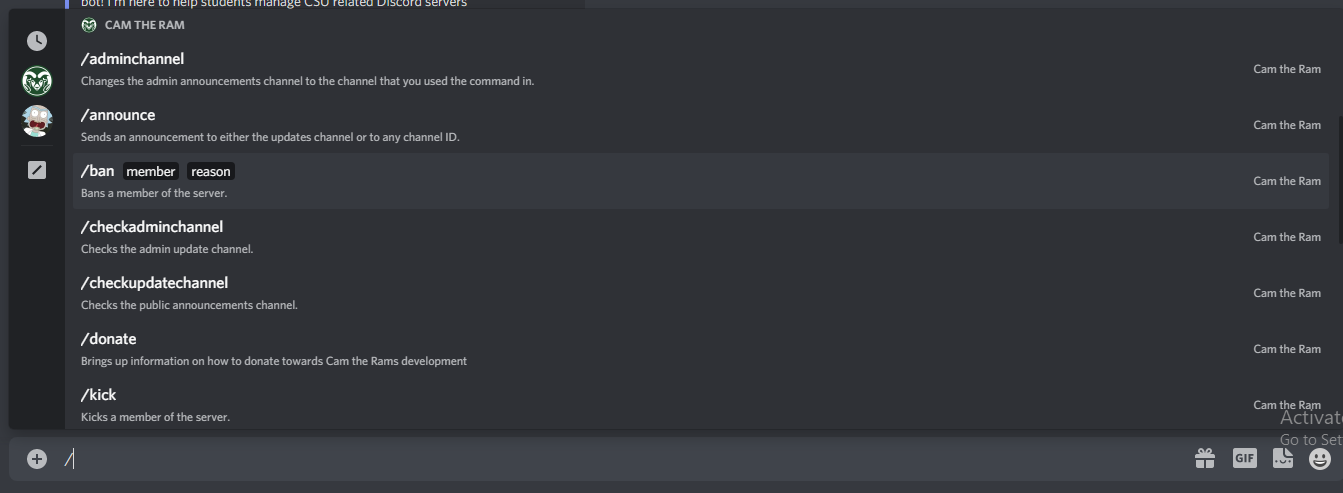
- Slash commands were introduced to Discord 3/24/21, they much more user-friendly because they suggest and auto-fill based on whether the expected value is a string, user, channel, etc. Below is a list of all of the slash commands:
Ping
- Responds to
/pingwith "Pong" and the server latency

UpdateChannel
- Changed the channel Cam the Ram sends updates to (Welcome messages, leave messages, etc.)
- Hitting tab will autofill the command and bring up a list of channels on your server. If it doesn't see the channel in the UI just type it out.
- Note: command and result are using a different channel

AdminChannel
- Changed the channel Cam the Ram sends admin updates to (Kicking, banning, temp banning, etc.)
- Hitting tab will autofill the command and bring up a list of channels on your server. If it doesn't see the channel in the UI just type it out.
- Note: command and result are using a different channel

Announcements
- Allows a user with
Manage Serverability to send an announcement to any channel in the server. Both a message and channel to send to are required. - After typing the command hit TAB to autofill the message parameter, then type your message and hit tab. It will then open a list of channels to send the announcement to.


Kick
/kick member:@Userreason:REQUIRED REASON, THE USER WILL SEE THIS REASON- Kicks the user from the server, informs them of the reason. Also informs the admin channel that the person was kicked and the reason.


Ban
/ban member:@Userreason:REQUIRED REASON, THE USER WILL SEE THIS REASON- Bans the user from the server, informs them of the reason. Also informs the admin channel that the person was kicked and the reason.

TempBan
/tempban member:@Userreason:REQUIRED REASON, THE USER WILL SEE THIS REASON duration: How long in days- Temporarily bans the user from the server, informs them of the reason. Also informs the admin channel that the person was kicked and the reason.

UnBan
- Careful with the syntax here
/unban member1234: Username#1234- This command will not autofill the user, you need to type the username and number

언어
- English
리뷰
로그인 — 리뷰를 작성하려면 로그인하세요.
아직 리뷰가 없습니다 — 첫 번째로 경험을 공유해 보세요.
투표 통계
이 가이드에서 지난 30일 동안 기록된 수치예요.
0
이번 달 투표
0
누적 투표
0
최근 7일
0
고유 투표자 · 30일
최근 30일
- 투표
최근 30일 동안 여기 투표가 없어요.


