
소개
User-friendly Star Citizen Discord bot – item finder, player intel, org intel, stream your completed contracts, ship or FPS combat, and more
Search
Search for anything, check vendors and compare in-game item stats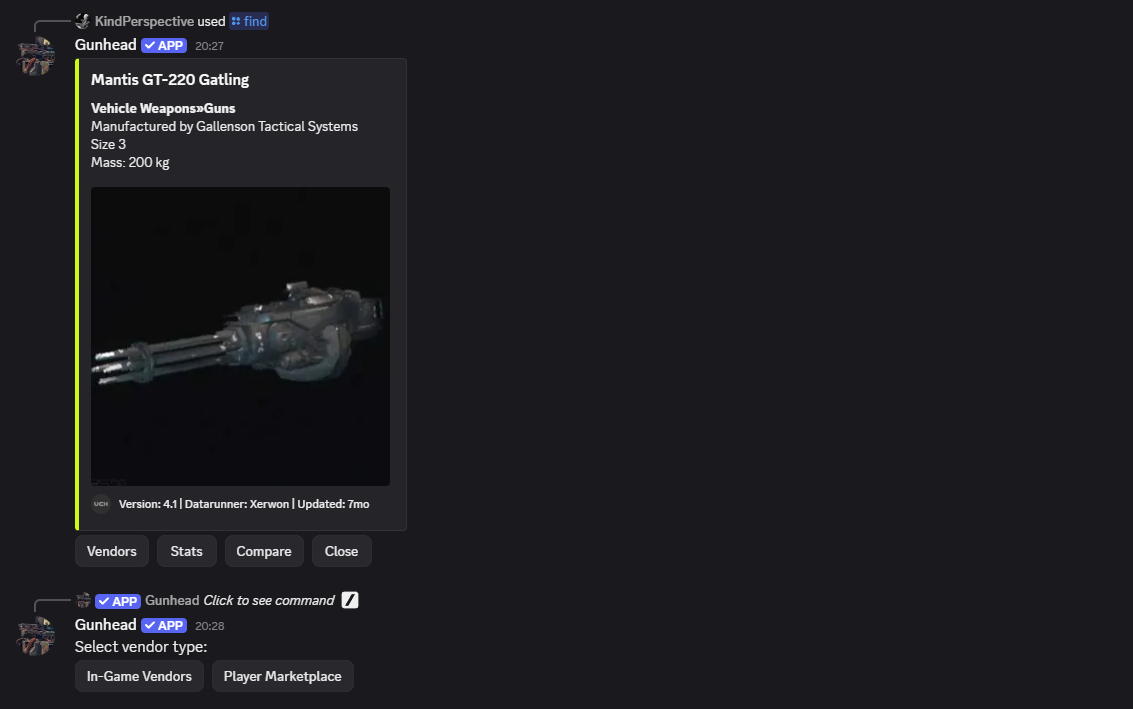

/find – Search for any in-game item/compare – Compare two items
Powered by UEX
Preview
Social
Get acces to our player database and social interactions via discord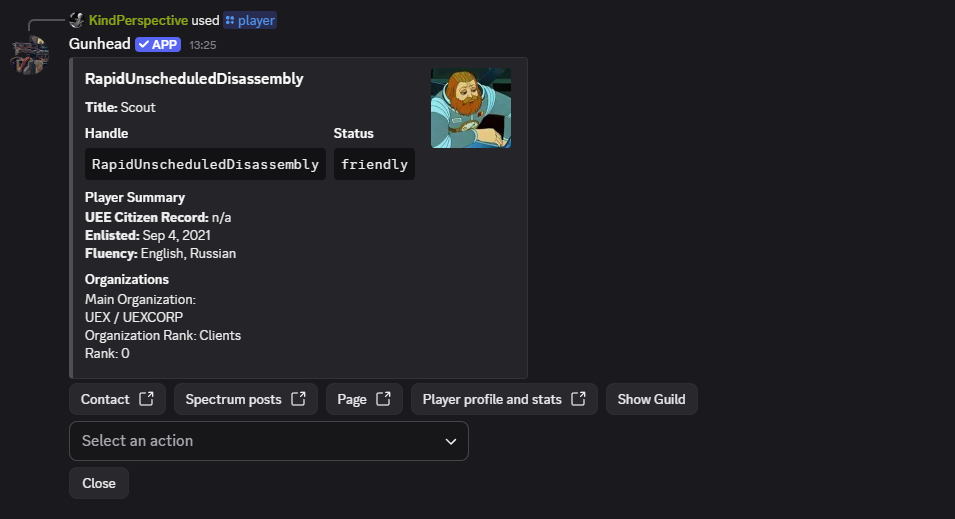

/player – Search for player profile/org – Search for organization info
Preview
Verification checkpoint
The checkpoint generates a verification code for users to add to their Star Citizen profile bio via the "Start" button, while "Re-Check" refreshes role assignments for verified users using their stored handle. Upon verification, the bot assigns roles (e.g., verified, organization) based on server configuration and logs the event.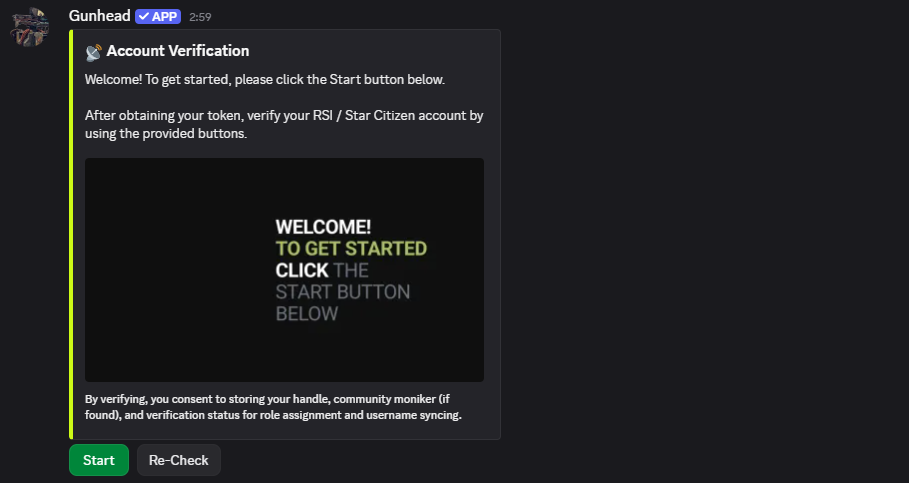
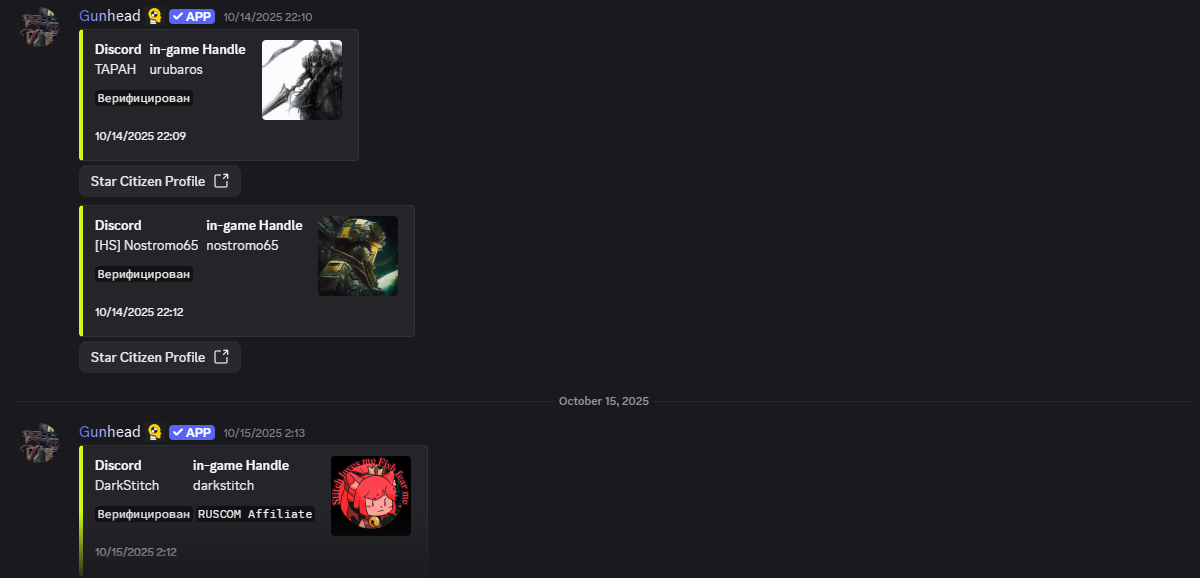
/checkpoint – Create checkpoint to allow player verification/role settings – Configure your checkpoint and roles assigned to verified players/log – Chose channel where you want to log verified users
By verifying, you consent to storing your handle, community moniker (if found), and verification status for role assignment and username syncing.
Preview
Log your guild members
Log Star Citizen organization member changes in real-time. Get automatic notifications when members join, leave, or change ranks. The bot continuously tracks your organization and sends updates to your configured channel.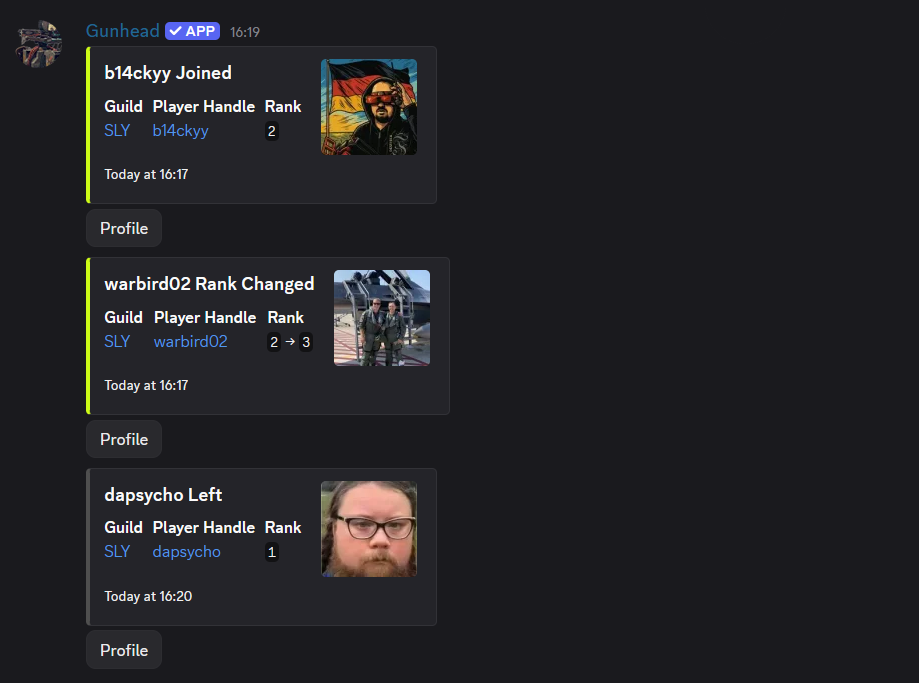
/watch – Enable member tracking for a guild in channel - use only your guild short name (SID)/watch stop – Stop all active tracking on your server
Temporarily available only for organizations with 600 or fewer members. Bot checks for changes in real time, small delay may occrur
Preview
Game Servers Status Notifications
Updates on game servers status and scheduled maintenance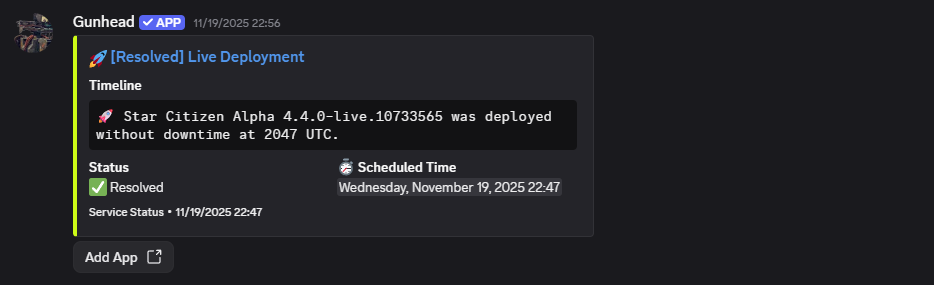
/servers subscribe – Get server status updates/servers unsubscribe – Stop server status updates
Preview
Hangar Tracking
Schedule hangar takeovers
/hangar status – Show hangar status (updates every 60 sec)/hangar update HH:MM:SS AM/PM or HH:MM:SS (24-hour) or `` - To set custom event time
Hangar status message updates every 60 seconds
To set event tracking correctly, use timestamp of the exact moment when all 5 lights turn green in game
Settings
Bot designed to be user-frirendly and allows full fine-tuning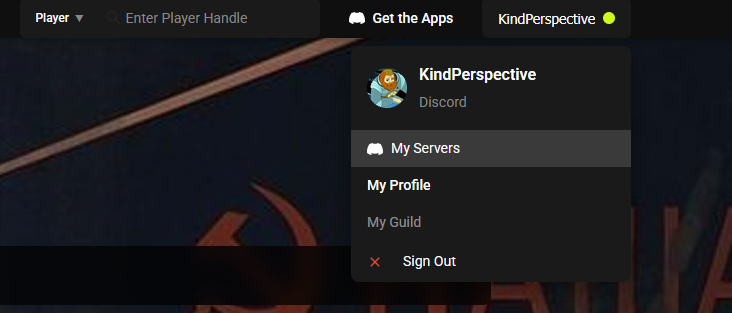
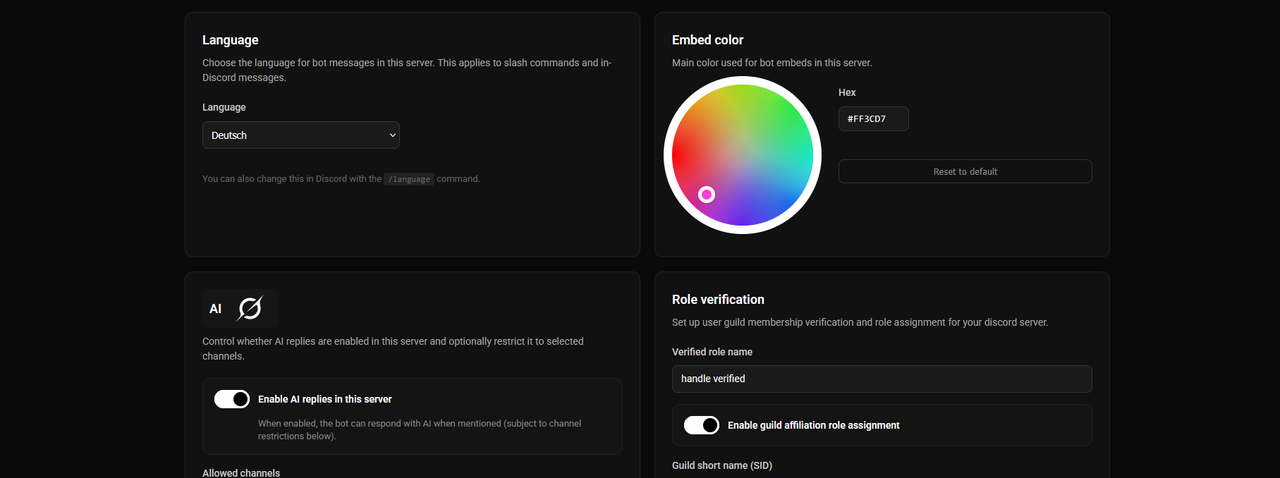
/language – Open bot language settings/cleanup – Delete all bot messages in the channel/DM/help – Show this user guide
You can access settings by going to **My Servers**
Audio
Play live streams and audio from YouTube and Twitch and create stations

/audio – Open audio controls
attention! experimental feature
Preview
AI
Bot powered by the latest xAI LLM delivering advanced context-aware intelligence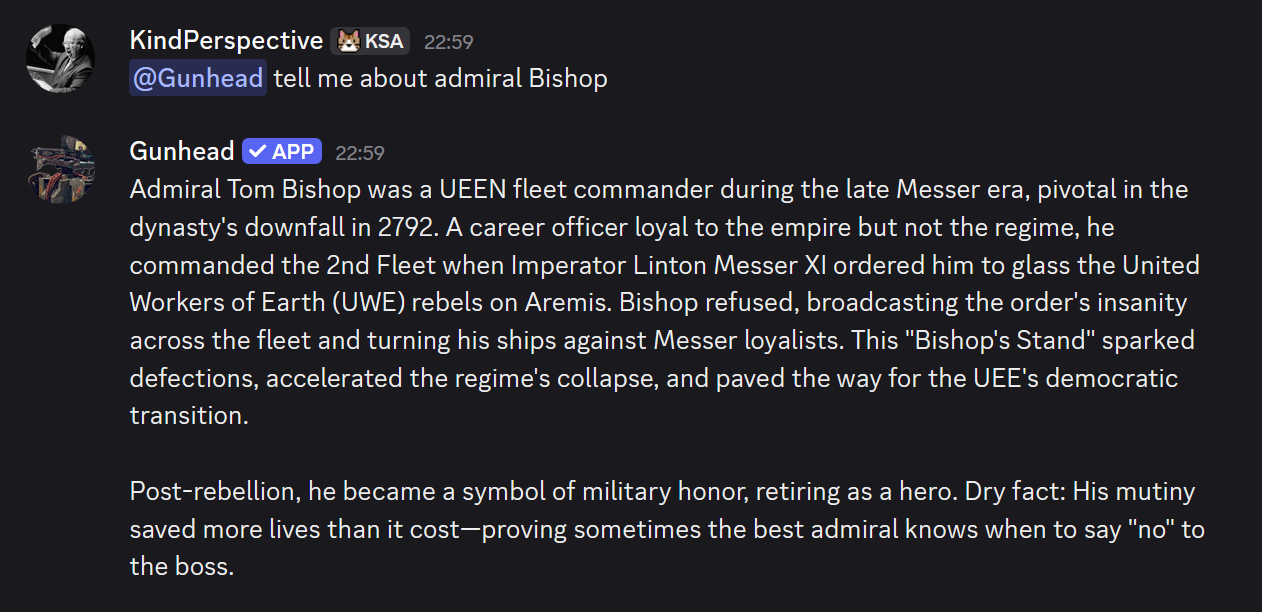
/ai – Open AI settings
Simply tag bot to start a chat
Preview
언어
- English
- Русский
- Ukrainian
- Deutsch
- Français
- Español
- Polski
- 简体中文
리뷰
로그인 — 리뷰를 작성하려면 로그인하세요.
아직 리뷰가 없습니다 — 첫 번째로 경험을 공유해 보세요.
투표 통계
이 가이드에서 지난 30일 동안 기록된 수치예요.
최근 30일
- 투표
최근 30일 동안 여기 투표가 없어요.


