
소개
Bring your community to life. All the modern necessities your Discord server needs, with powerful access control and detailed logging.
Experience a modern, flexible moderation system your team will love. Ostra's Moderation Dashboard and seamless interoperability with other bots makes moderation a breeze.
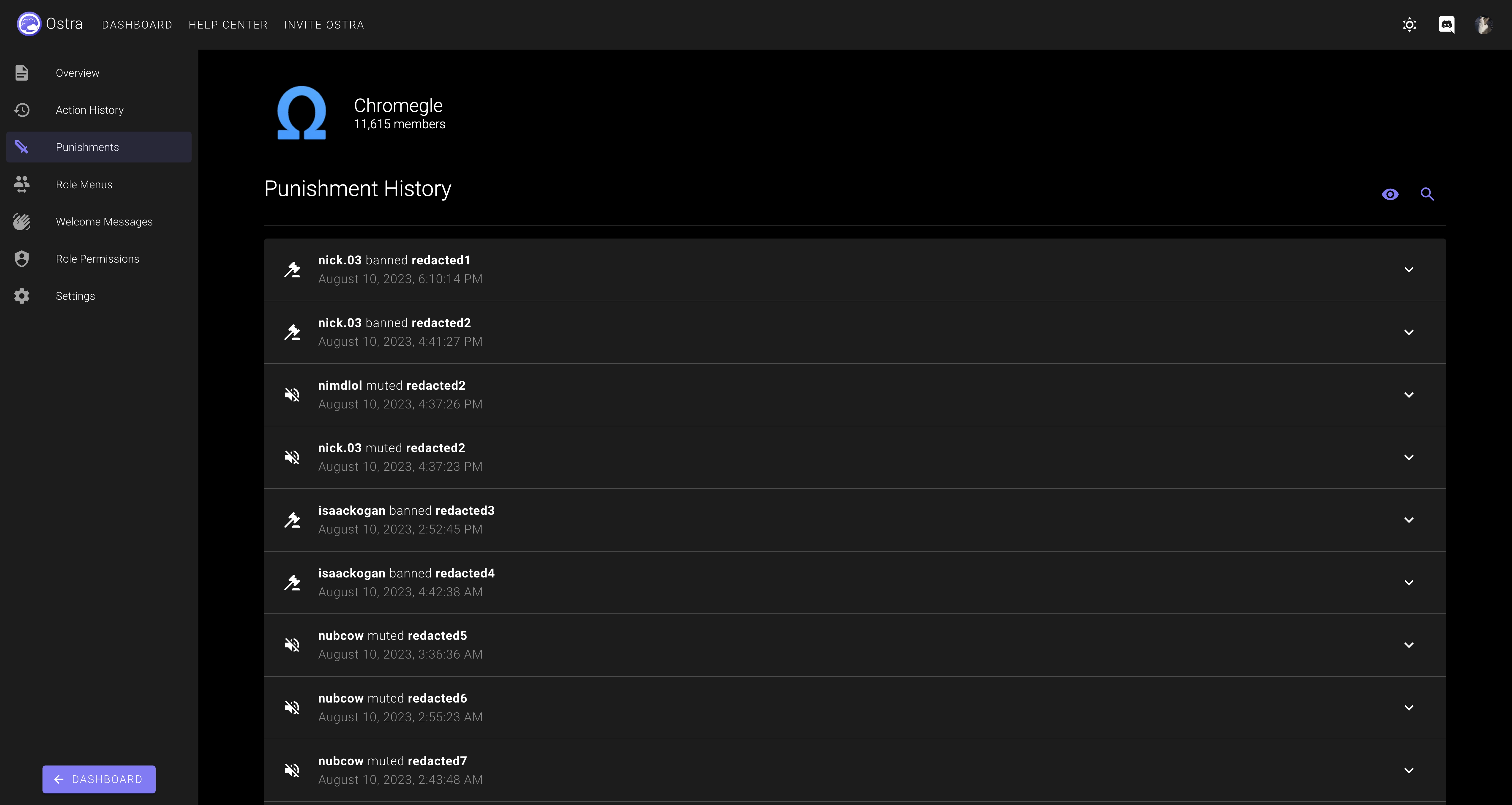
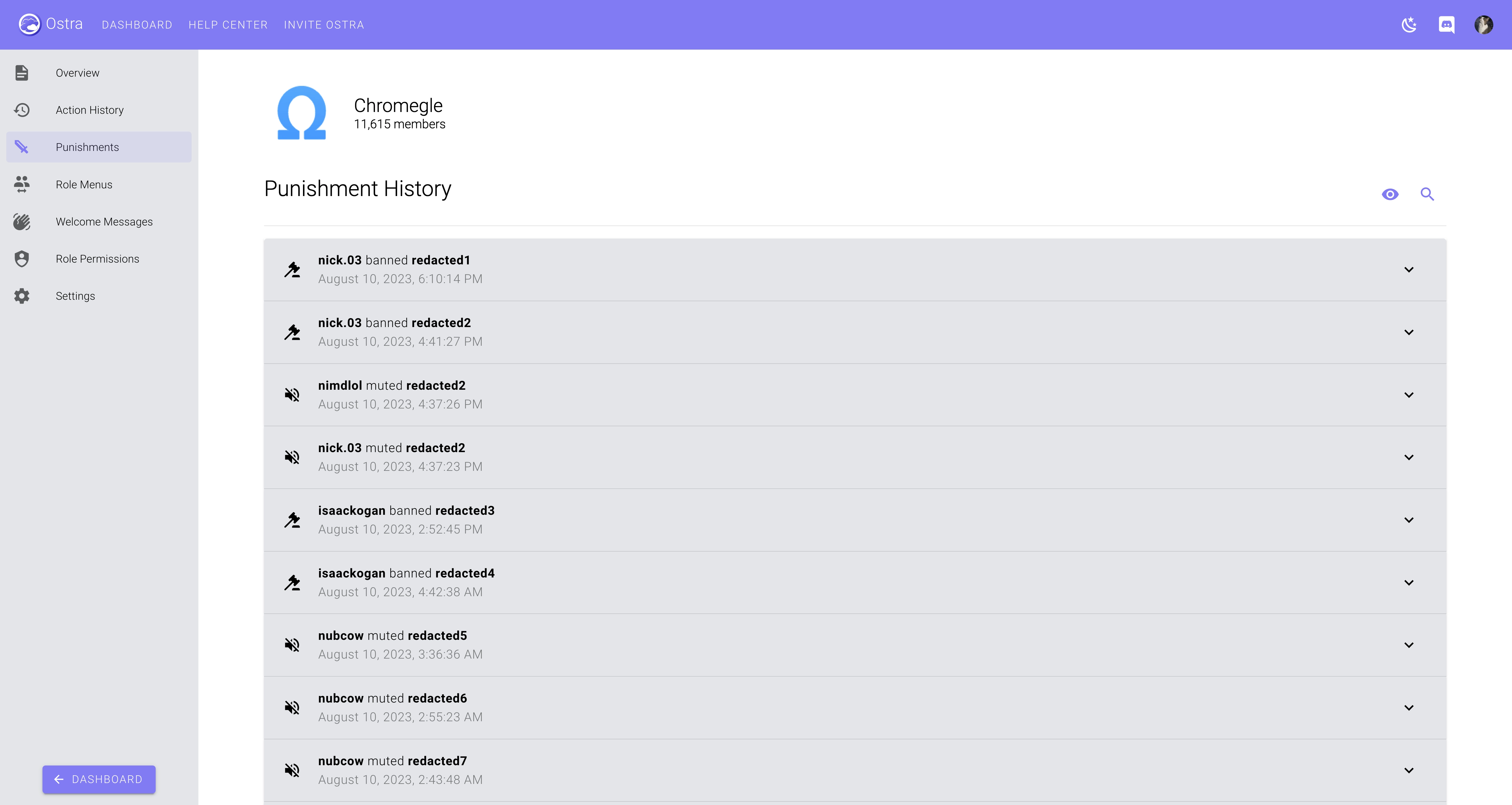
- Track warns, kicks, mutes (which use native Discord timeouts), and bans all in one place.
- Create punishments with any duration you'd like, even timeouts, which are normally limited to 4 weeks by Discord.
- The dashboard isn't just for admins! Ostra's Moderation Dashboard offers a fresh, easy-to-use interface for managing punishments.
- Easy-to-use punishment history: simply use /history , and you can see a comprehensive list of punishments issued to that user, which staff member created the punishment, and who reverted it.
- Moderation actions performed via native Discord features or even other moderation bots are detected by Ostra as well. Finally, you can keep a watchful eye on everything that happens in your server from one place.
- Learn more at our Moderation guide.
Beautiful, modern role menus that make reaction roles look like an ancient workaround
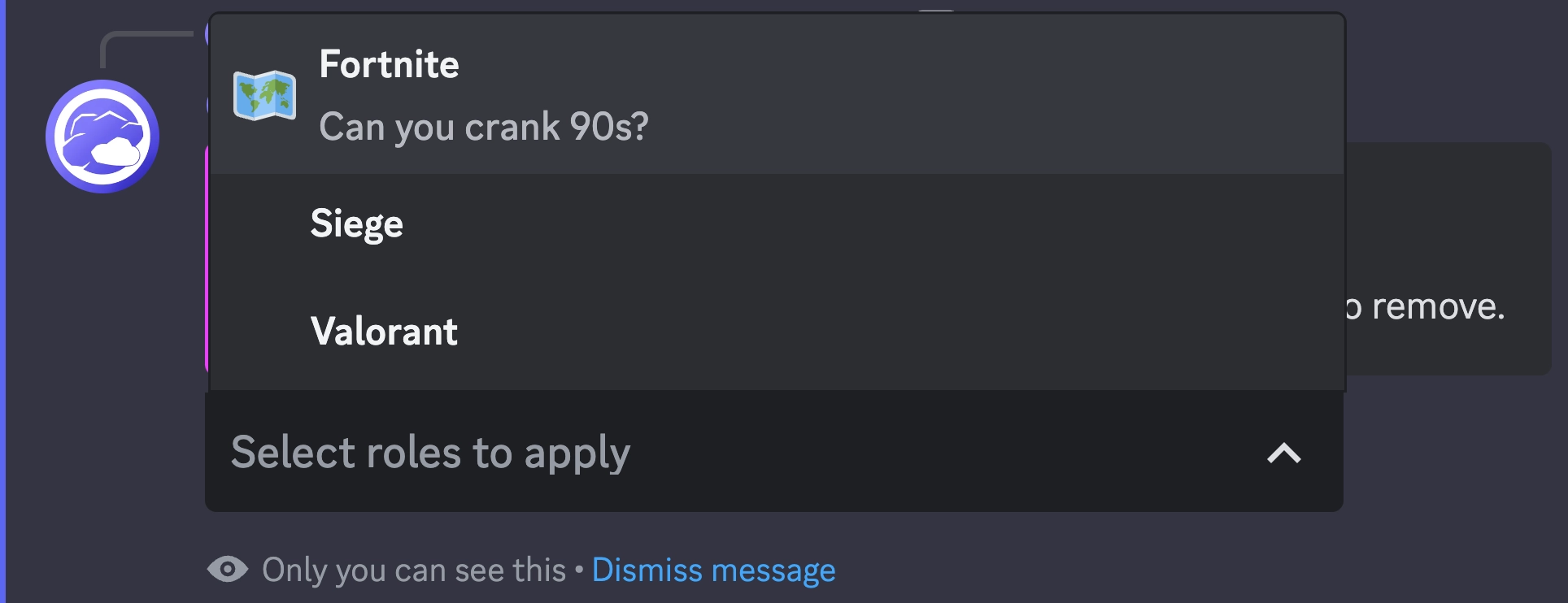
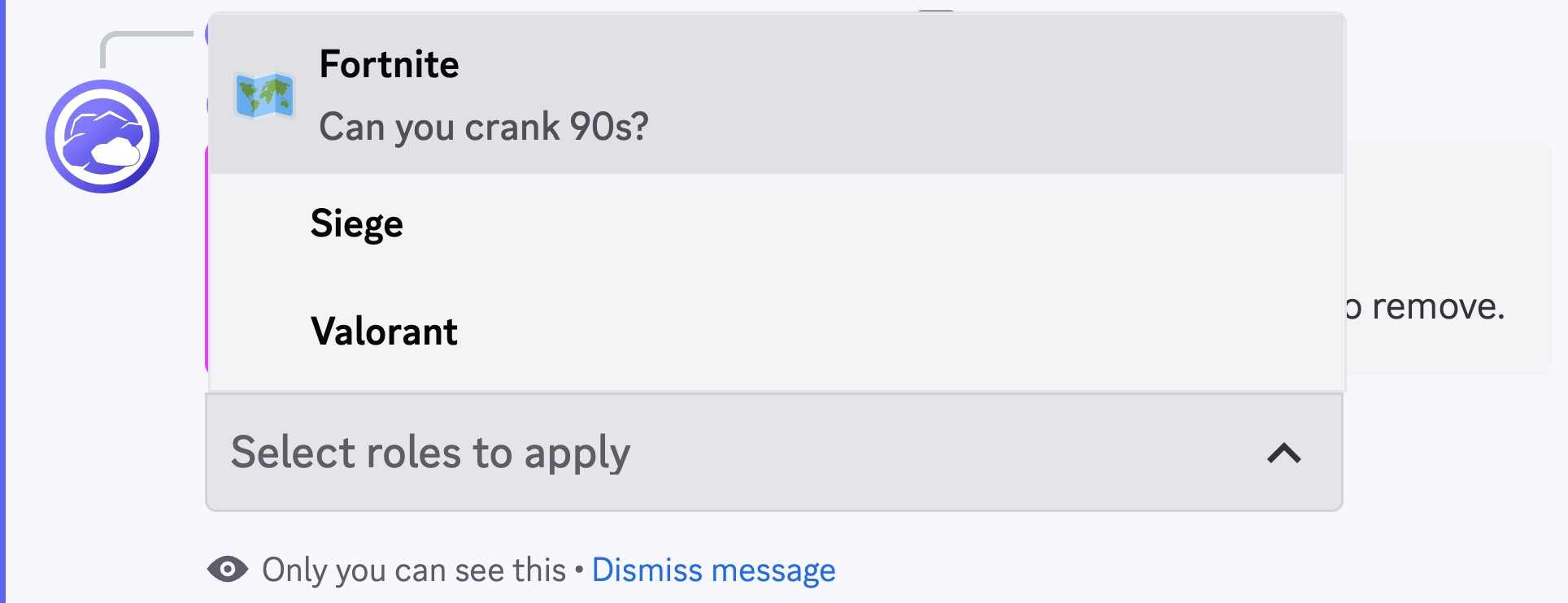
- No more confusing messages flooded with reactions, Ostra's role menus use a discrete drop-down menu, which you can completely configure.
- Add up to 25 roles per role menu, with no limit to how many role menus you can have!
- Choose between two different types of role menus: Select One, which only allows the user to have one role from the menu active at a time, or Select Multiple, which allows the user to select as many roles as they want.
- Use any custom emoji in your server, or use a built-in Discord emoji to represent your roles.
- Give your roles a brief description so your users know what to pick!
- Anyone visiting your server on mobile devices will love the improvement!
- Learn more at our Role Menus guide.
Easy-to-use, highly customizable welcome messages
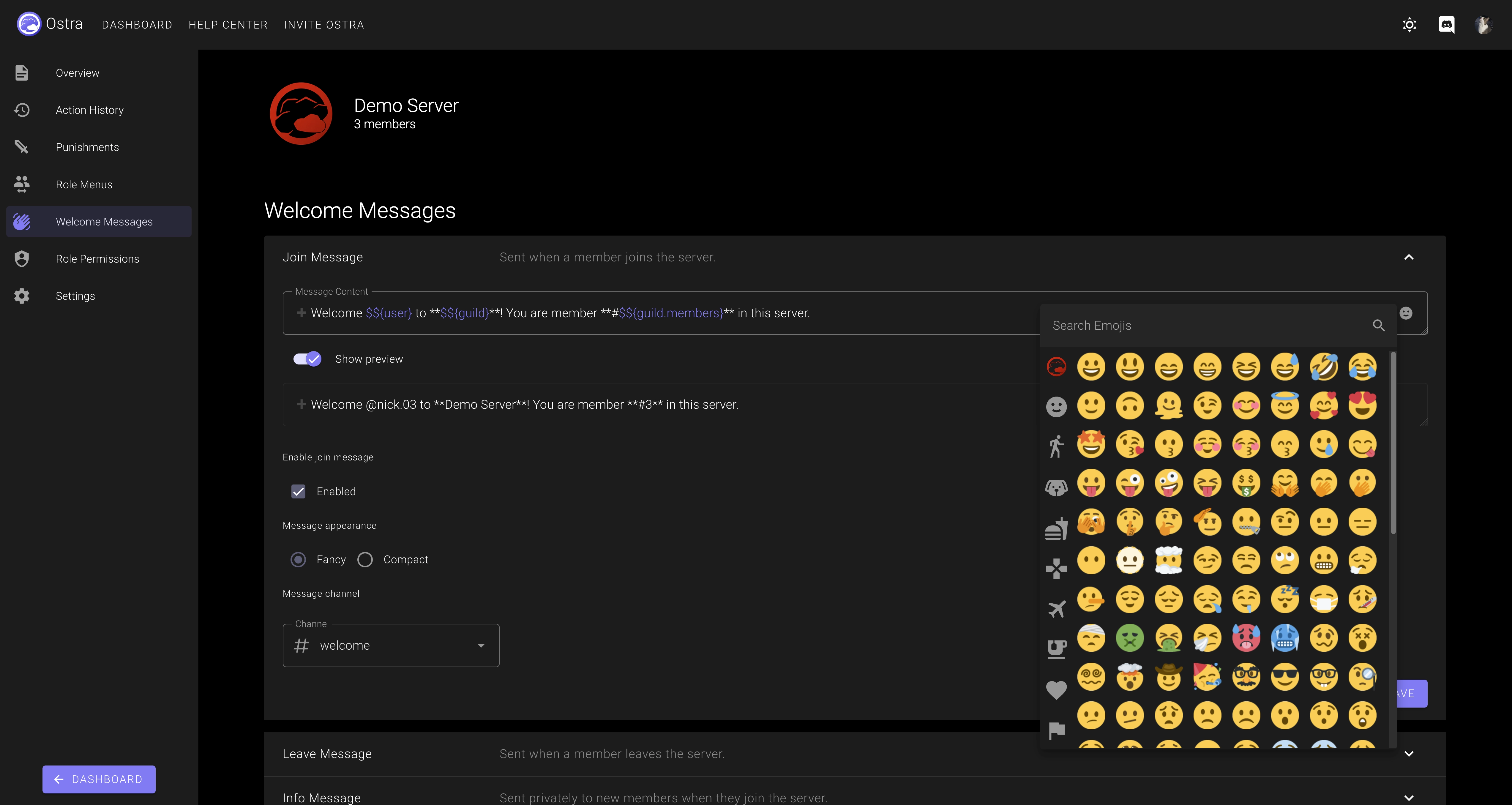
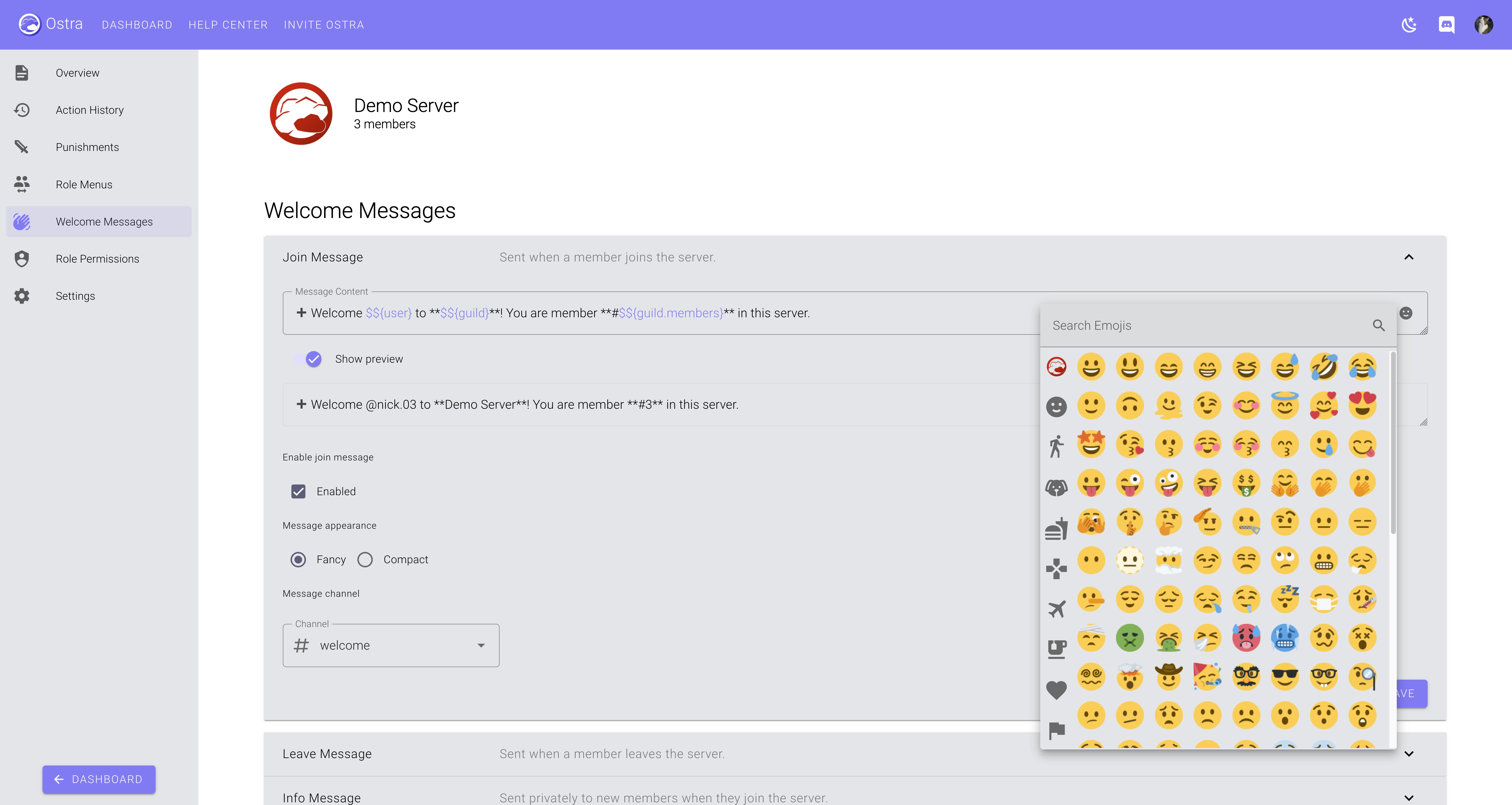
- Configure custom join, leave, and DM info messages for your server.
- Using $${expressions}, you can include many different dynamic values in your welcome messages. View more information on our Welcome Messages guide!
- Set different channels for your join and leave messages
- Configure Welcome Messages using our modern Welcome Messages editor, with a built-in emoji picker and syntax highlighting for expressions.
- Switch between Fancy Mode and Compact Mode to fit your server's needs!
- Learn more at our Welcome Messages guide.
언어
- English
기능
- Pricing Free
- Web Interface Yes
- Audit Logs Yes
리뷰
로그인 — 리뷰를 작성하려면 로그인하세요.
아직 리뷰가 없습니다 — 첫 번째로 경험을 공유해 보세요.
투표 통계
이 가이드에서 지난 30일 동안 기록된 수치예요.
10
이번 달 투표
10
누적 투표
0
최근 7일
0
고유 투표자 · 30일
누적에는 다른 가이드에서 가져온 투표가 포함될 수 있어요. 그래프는 이 사이트의 투표만 보여 줘요.
최근 30일
- 투표
최근 30일 동안 여기 투표가 없어요.


