
Om
Find Anime Sauce/Origin! With fun commands such as 8ball, slap, hug etc PS: if you type .ily you can get an I love you too back :)
Welcome to anime Sherlock!
Find all the Sauce/Origin of the anime you need!
Just type .sauce (insert image url) and you will get your anime Name, with a similarity percentage, and the original image which the anime thinks it is from!
WAIT: What Anime Is This? - FAQ
-
-
-
-
FAQ
Why I can't find the search result?
Possible reasons:
- Your image is not an original anime screenshot.
- The anime has not been analyzed yet.
- Your image is flipped.
- Your image is of bad quality.
Regarding 1. You may try to use SauceNAO and iqdb.org which is best for searching anime artwork.
Regarding 2. New animes currently airing would be analyzed around 24 hours after TV broadcast. Long-running animes / cartoons are excluded at this stage. See "What anime are indexed" at the bottom of this page.
As for 3. If your image comes from AMV / Anime Compilations, it's likely that it's flipped horizontally. Use the flip button to search again.
As for 4. The image search algorithm is designed for almost-exact match, not similar match. It analyze the color layout of the image. So, when your image is not a full un-cropped original 16:9 screenshot (i.e. cropped image), the search would likely fail.
Color is an important factor for the correct search, if heavy tints and filters are applied to the screenshot (i.e. grayscale, contrast, saturation, brightness, sepia), too much information are lost. In this case the search would also fail. The Edge Histogram can solve this issue by ignoring colors and only search edges. But I am running out of computing resource to support another image descriptor.
Image transform is also an important factor. If the image is not scaled without maintaining original aspect ratios (i.e. elongated, flipped, rotated), the search would also fail.
Text occupied too much of the image. Large texts on the image would interfere the original image. The system is not smart enough to ignore the text.
If your image has too little distinguish features (e.g. dark images or images with large plain blocks of plain colors), the search would also fail.
Searching with a real photo (of an anime) definitely won't work.
Examples of bad screenshots
Extra border added
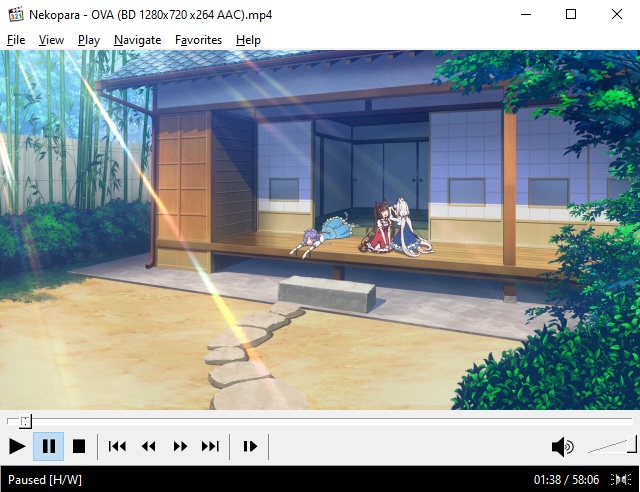
Bad Screenshot
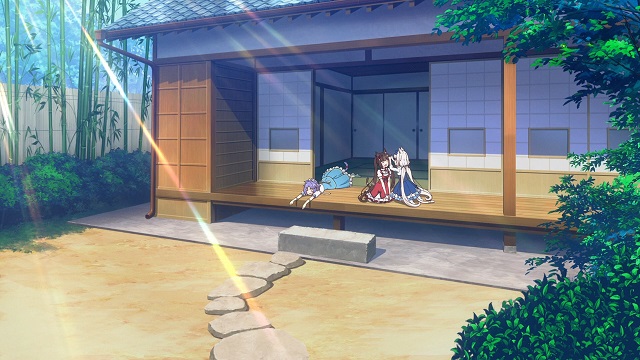
Original Screenshot
In case your screenshot has extra borders, please trim off the extra borders before you search.
Cropped Image
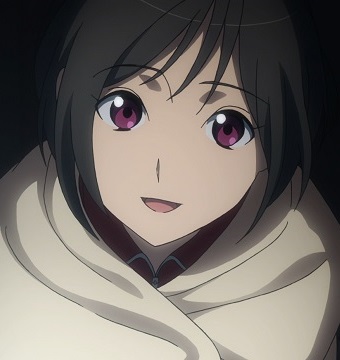
Bad Screenshot
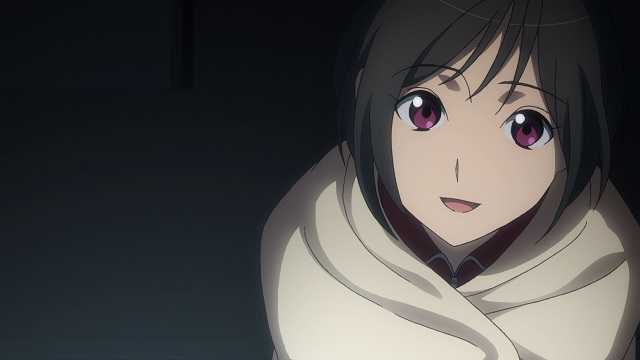
Original Screenshot
Cropping the image would result a huge loss of information content.
Flipped image
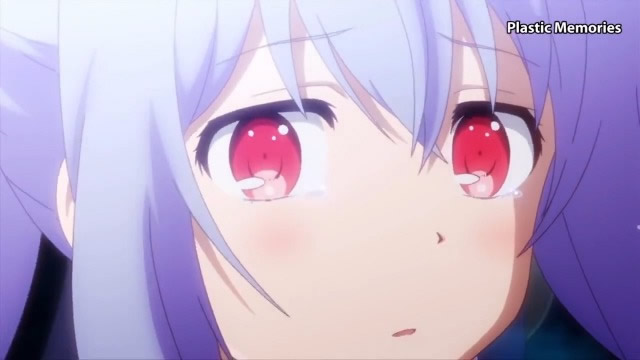
Bad Screenshot
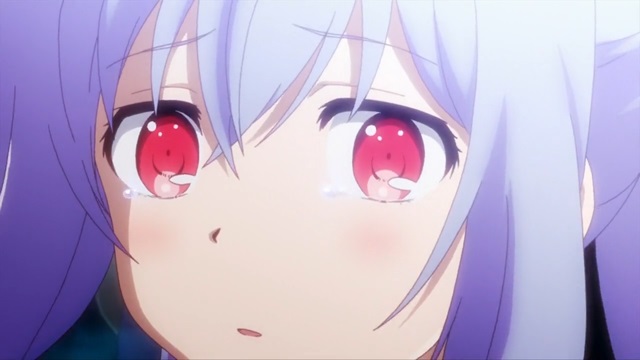
Original Screenshot
This screenshot from AMV - Animegraphy 2015 flipped the original scene in the anime. Try to search with the flip button if you guess the image has been flipped.
Tinted images
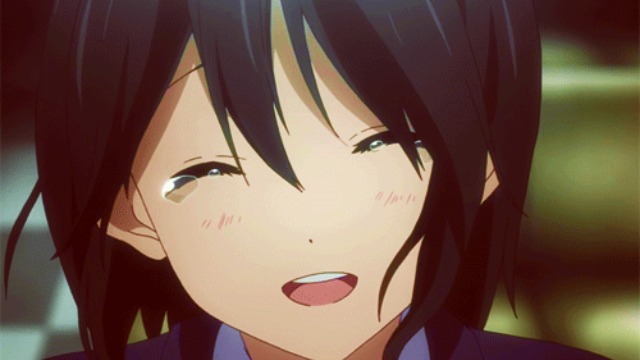
Not a good Screenshot
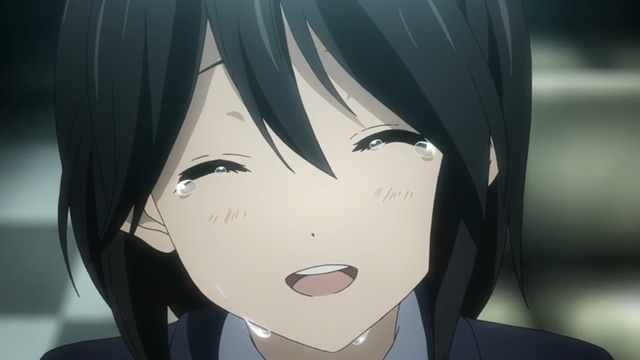
Original Screenshot
Tinted images are hard to search. Because the applied filter effects heavily distorted the information in the original screenshot. The color layout image descriptor can no longer find such images.
Old Japanese Anime
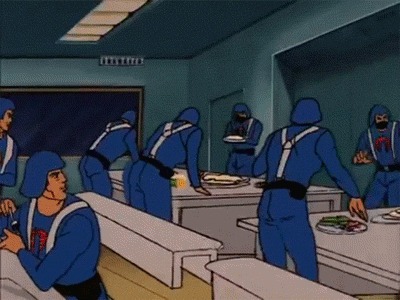
Sample Screenshot
Anime of this age are not indexed.
Not from Anime Screenshot
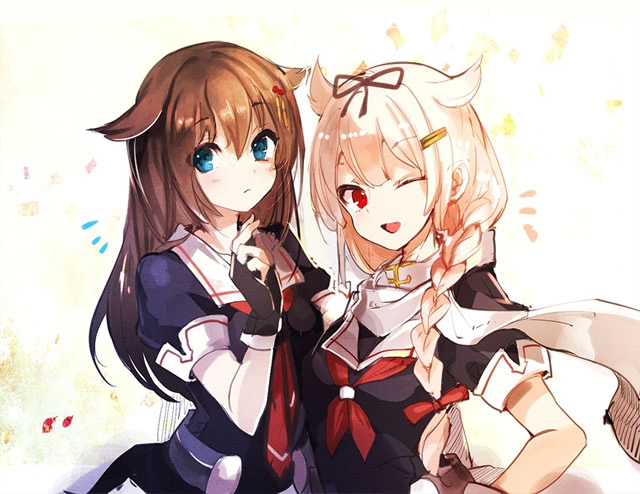
Sample Screenshot
You should try SauceNAO and https://iqdb.org/ to search anime / doujin artwork.
Not Japanese Anime
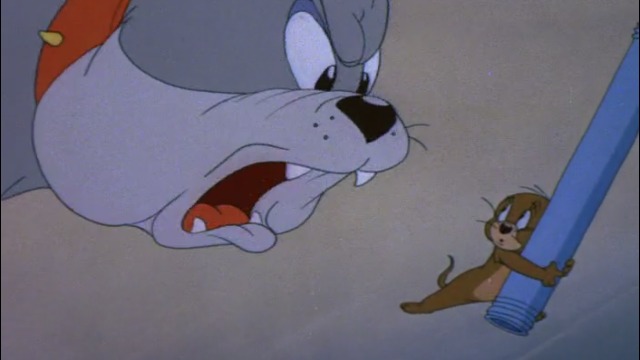
Sample Screenshot
Tom and Jerry is obviously not a Japanese Anime.
Dark image
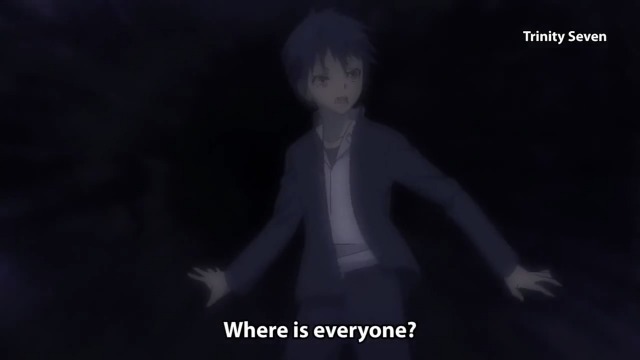
Sample Screenshot
Dark images are hard to distinguish using the colorlayout descriptor.
Low resolution image
Sample Screenshot
Your image should be at least 320x180px to search effectively.
Examples of acceptable screenshots
Slightly distorted size
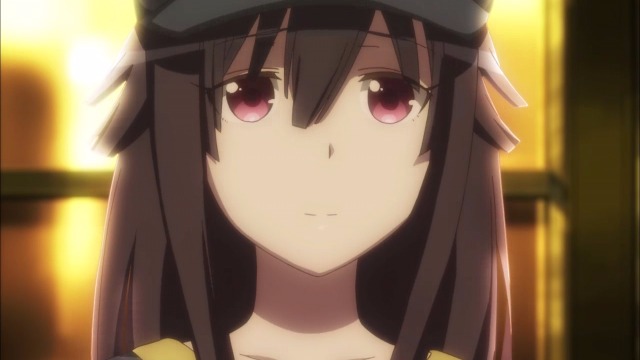
Acceptable Screenshot
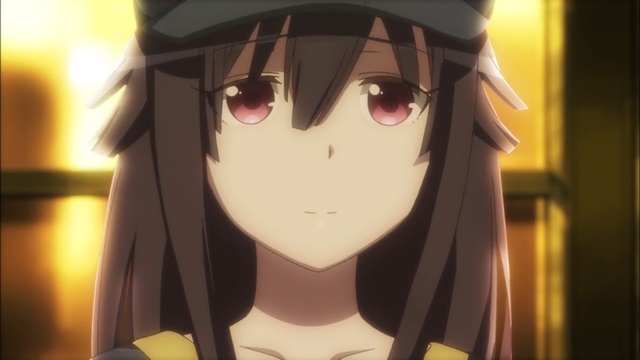
Original Screenshot
Reasonably sized subtitles
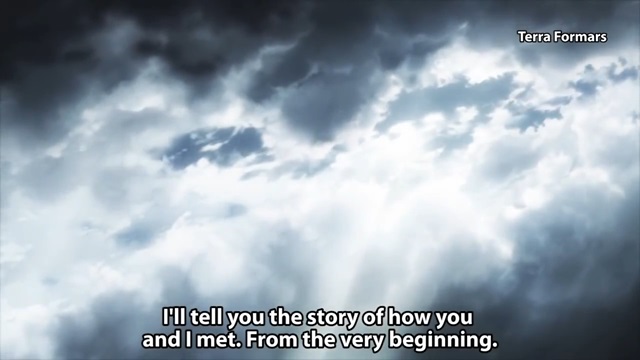
Acceptable Screenshot
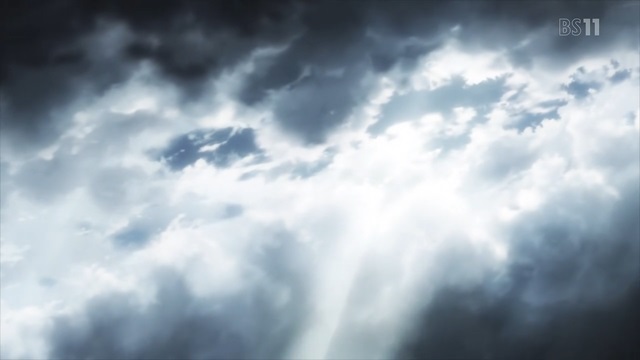
Original Screenshot
A frame of GIF
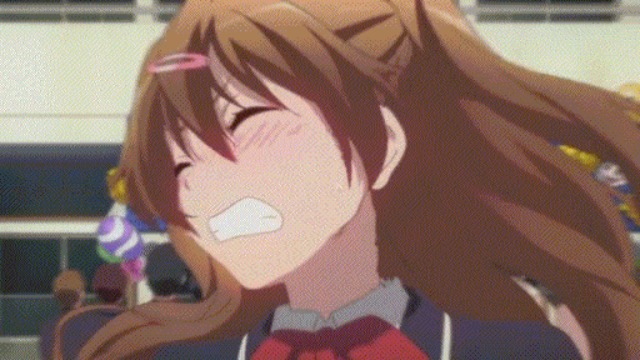
Acceptable Screenshot
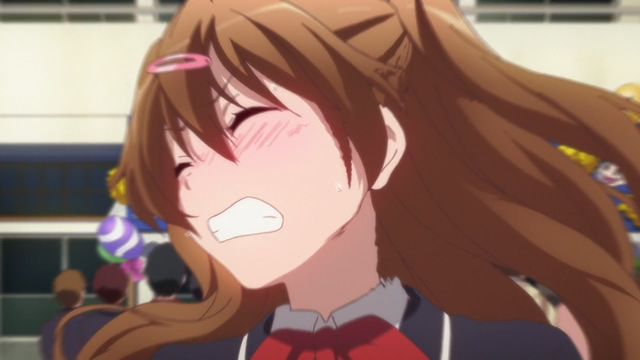
Original Screenshot
If the color distortion is acceptable, GIF is also OK.
Drawings of the anime scene

Acceptable Screenshot

Original Screenshot
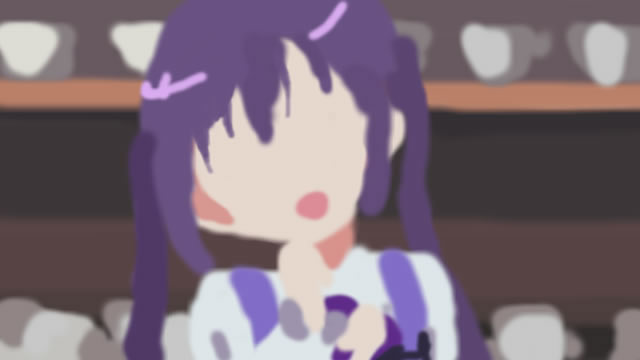
Acceptable Screenshot
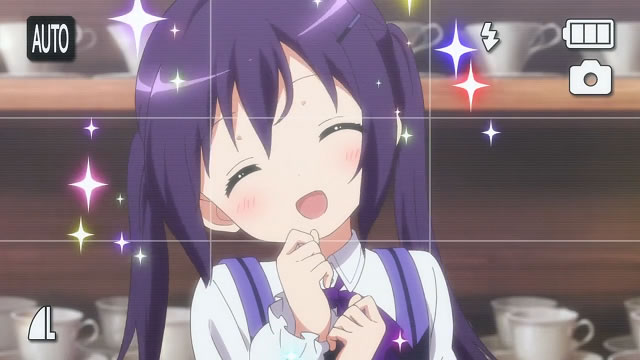
Original Screenshot

Acceptable Screenshot

Original Screenshot
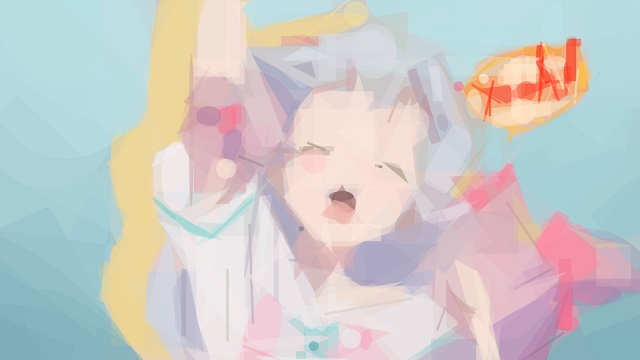
Acceptable Screenshot
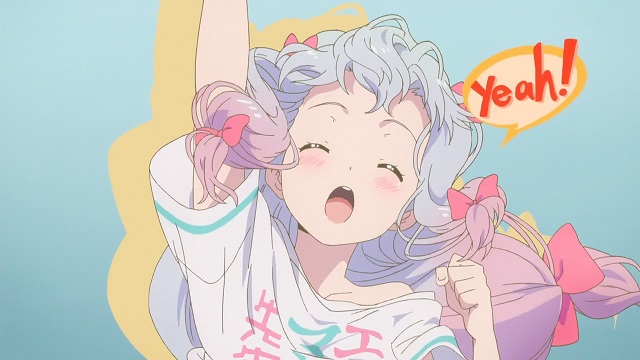
Original Screenshot
The search image does not has to be taken from anime screencap directly. You can use drawings of some scenes as long as it is similar to the original one.
How does it work?
It uses the MPEG 7 Color Layout Descriptor for comparing images. Wikipedia has a good illustration about it. This would also explain why you can't find your image. https://en.wikipedia.org/wiki/Color_layout_descriptor
How do I search for a more accurate result?
Crop your screenshot to 16:9 or 4:3 before searching. Remove any extra borders in screencap (if any). By default, it crops the image to 16:9, if you upload a 16:10 screenshot, it should be cropped automatically. If the position is incorrect, you can drag the image and adjust the crop position.
What anime are being indexed?
Most Japanese anime since 2000 are indexed, plus some popular anime in 1990s, and little anime before 1990. A list of anime are incomplete in index at this stage, including Jewelpet, Yu-Gi-Oh!, Dragon Ball, Crayon Shin-chan, Doraemon, Pokemon, Detective Conan, Chibi Maruko-chan and old Hentai-anime.
Why can't I preview the search result?
There is no preview for mobile devices. Some anime are being removed or relocated, so some of the previews are offline now. The preview uses a considerable amount of network bandwidth, it would take some time to load if you have a slow connection.
Why are the anime chinese-subbed?
I am still collecting raw anime, and it would take a number of powerful servers several months to complete. It will switch to the new dataset once it is ready. The current dataset uses Chinese-subbed anime because the current index is provided by some Asian users.
Powered by trace.moe
Språk
- English
Recensioner
Logga in — Logga in för att skriva en recension.
Inga recensioner ännu — bli först med att dela din upplevelse.
Röststatistik
Registrerat i den här katalogen de senaste 30 dagarna.
Senaste 30 dagarna
- Röster
Inga röster här de senaste 30 dagarna.
