
關於
Create temporary voice channels, not permanent ones and keep your servers tidy!
Join. Create.
Delete.
Grab a temp voice channel when you need it. When everyone's done, it goes away on its own. Less channel spam, less cleanup for your mods.
◇
650K+
Servers using VoiceMaster
★
Top 100
Discord bots on Top.gg
◈
Dashboard
Tweak settings in the browser
The loop
How it works
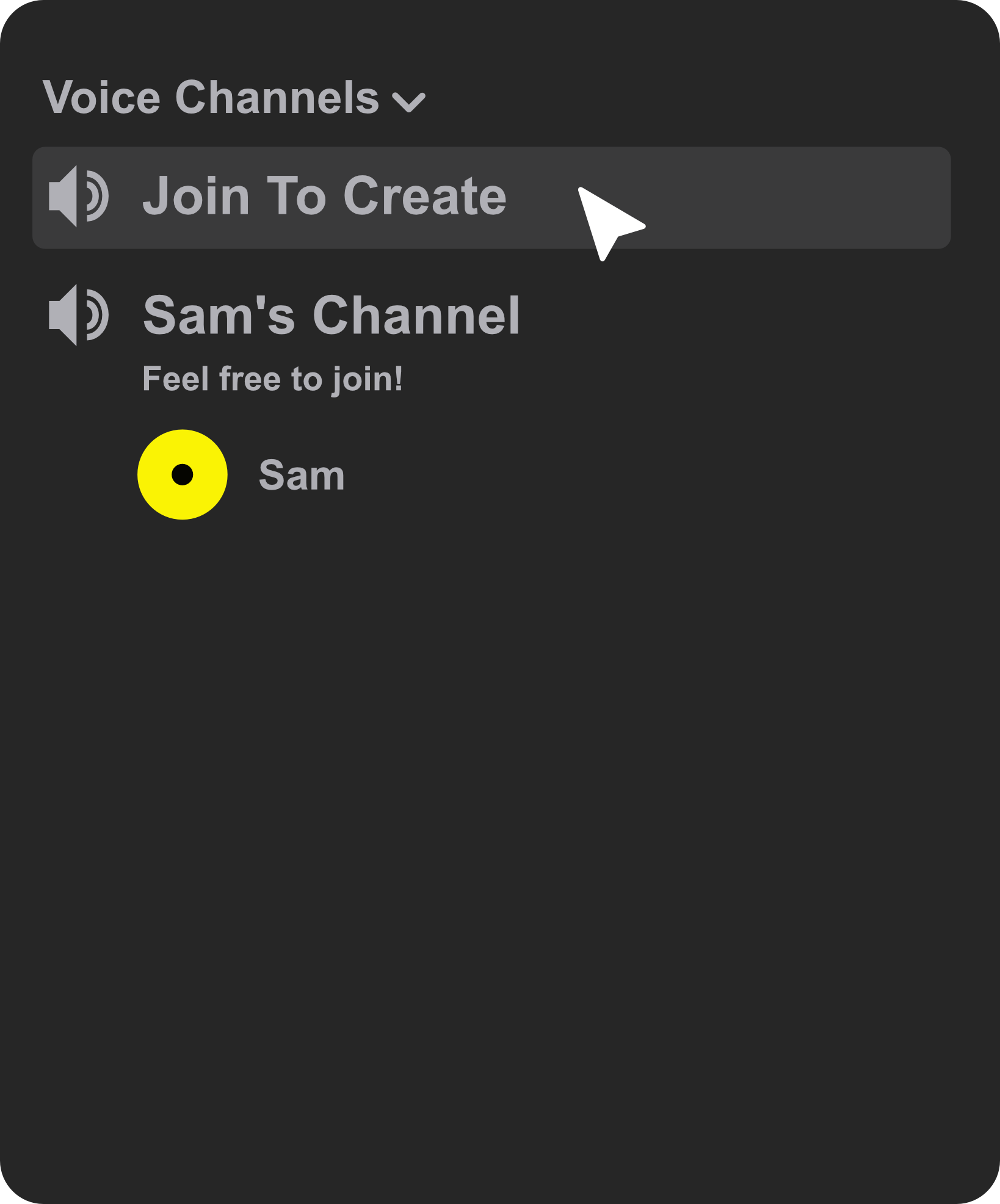
1. Join
They join your Join to Create channel to create their temp voice channel.
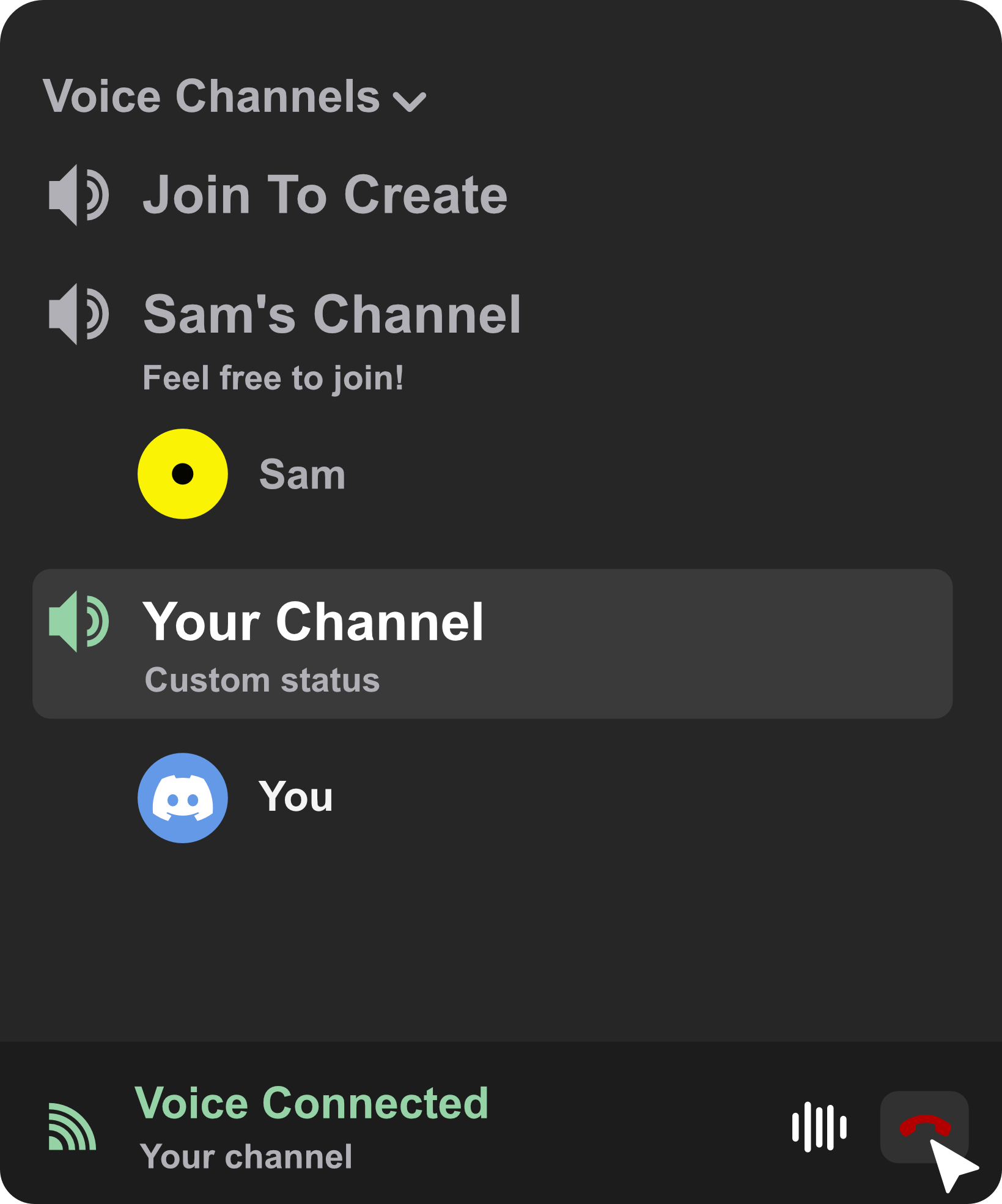
2. Create
VoiceMaster clones their private channel instantly and makes them the owner.
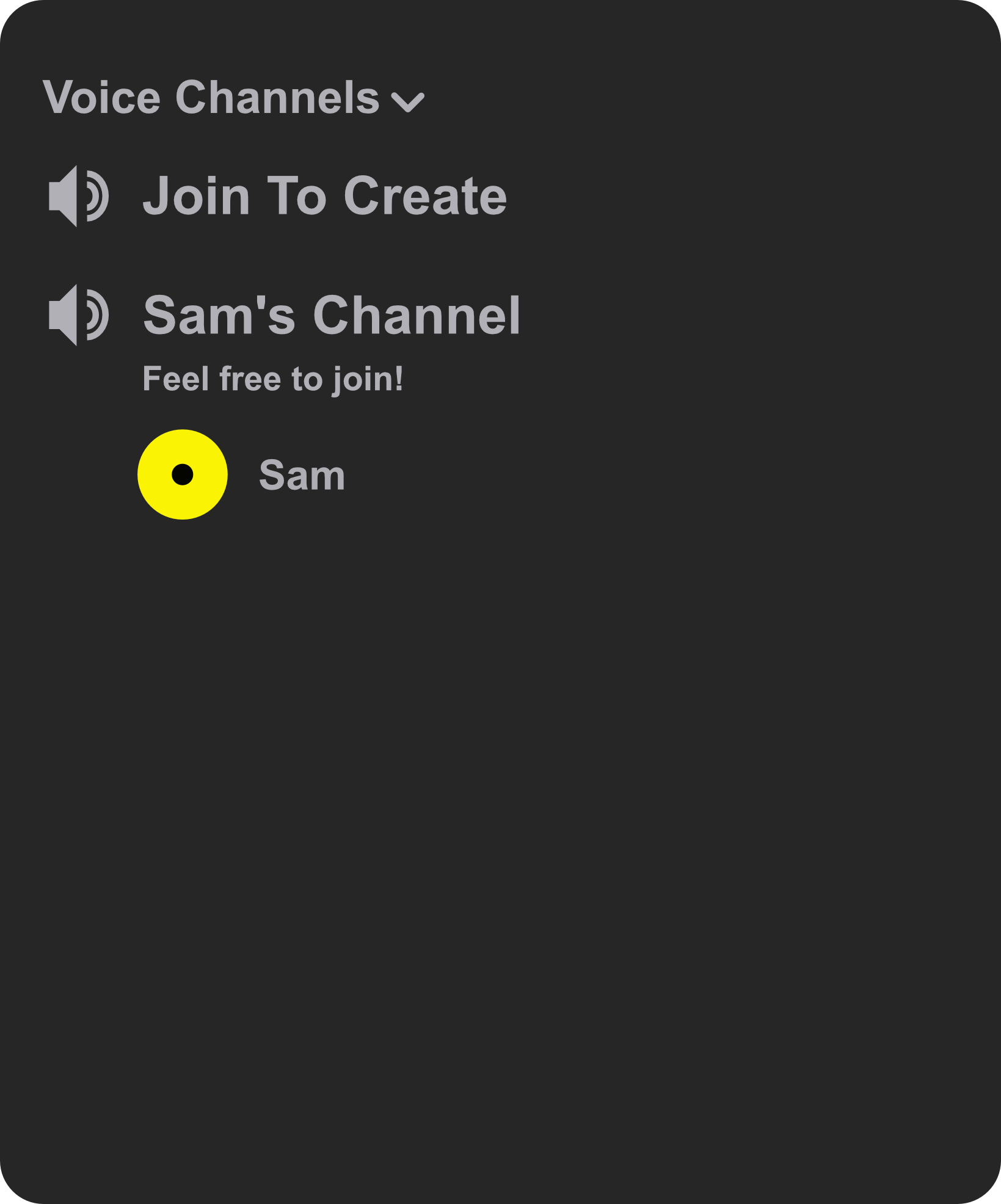
3. Delete
Everyone leaves? The temp channel removes itself so your sidebar stays tidy.
Why admins pick it
Made for servers like yours
◇ Temporary channels
Create voice channels whenever you need them. When no one is left in a room, it is removed automatically so your lists do not fill up with dead channels.
◎ Customise channels
Owners can shape their own temp space: rename, set user limits, lock, ghost, kick, invite people, and more, from the in-channel interface or /voice commands.
⬡ Your server, your rules
Limit what members can do with temp channels, disable commands you do not want in the wild, and lean on roles so only the right people get sensitive tools.
◈ Monitoring and logging
Actions taken through the bot are logged so you can audit activity, spot trouble early, and respond with context instead of guesswork.
In your temp channel
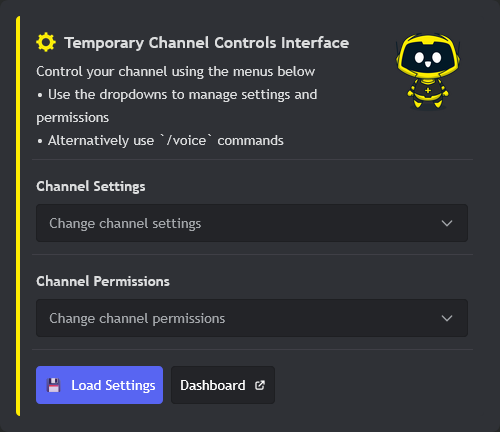
Channel interface
Prefer menus over memorizing commands? Use the in-channel interface and you get a simple dropdown that covers the usual stuff: rename, user limit, lock, permit, transfer, and the rest. It keeps everything in one place so whoever owns the room can tweak settings without bouncing between slash lists.
Commands
Voice commands
Here is a quick showcase of the /voice commands people reach for most. Same actions as the interface, but straight from chat: rename the room, set a cap, lock or unlock, let someone in or block them, hand off ownership, or claim a room that was left behind. Handy when you are already typing or you want to bind things to shortcuts on your own.
/voice nameRename your channel
/voice limitCap how many can join
/voice lockClose it to newcomers
/voice unlockLet new people join again
/voice permitAllow a specific user
/voice rejectBlock someone from joining
/voice transferPass ownership
/voice claimTake over an abandoned room
Modes
Setup styles
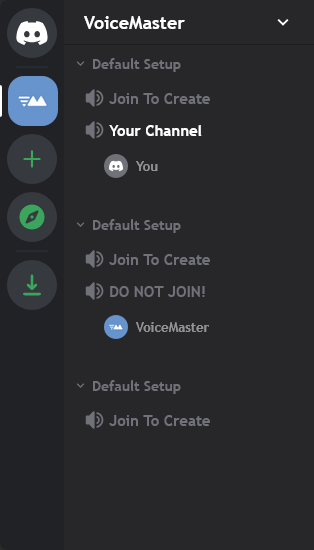
Default
Members set the channel name and user limit when their temp room is created.
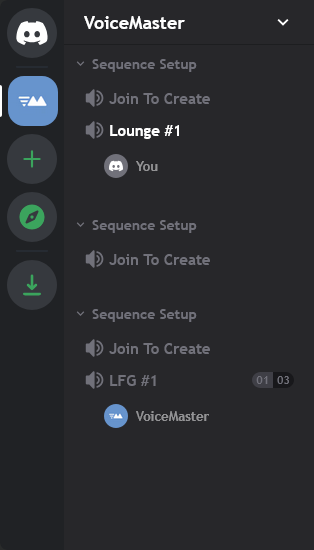
Sequential
Numbered temp channels with the same rules each time, so naming stays predictable.
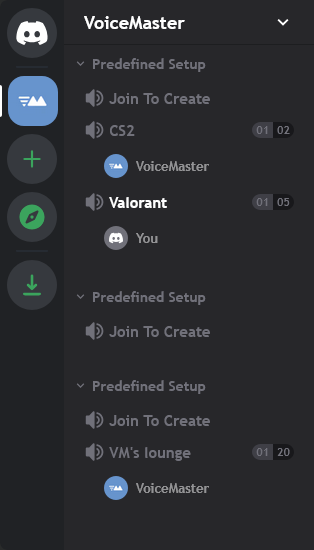
Predefined
Name patterns with placeholders like {username} and {game}.
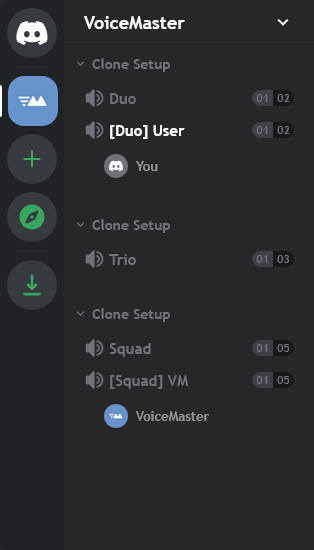
Clone
New channels copy bitrate, permissions, and other settings from your Join to Create channel.
Need a hand? Hop into the support server.
語言
- English
- Français
功能
- Pricing Free (optional paid extras)
- Web Interface Yes
- Audit Logs Yes
評價
登入 — 登入後即可撰寫評價。
尚無評價 — 來分享你的體驗吧。
投票統計
本指南過去 30 天記錄的資料。
累計總數可能包含其他指南匯入的票數。圖表只顯示本站投票。
最近 30 天
- 票數
最近 30 天這裡沒有投票。