
Over
Create stunning logos with Logo Maker! Make logos, avatars, emojis and more! Use interactive buttons and presets.
Meet Logo Maker, the best Discord bot for designers.
Create professional logos for designers and personal use, all implemented on the Discord App.
Easy to Use
Create logos in just a few clicks with our easy-to-use interface.
Customization
Customize your logo with a wide range of shapes, colors, and design elements to make it your own.
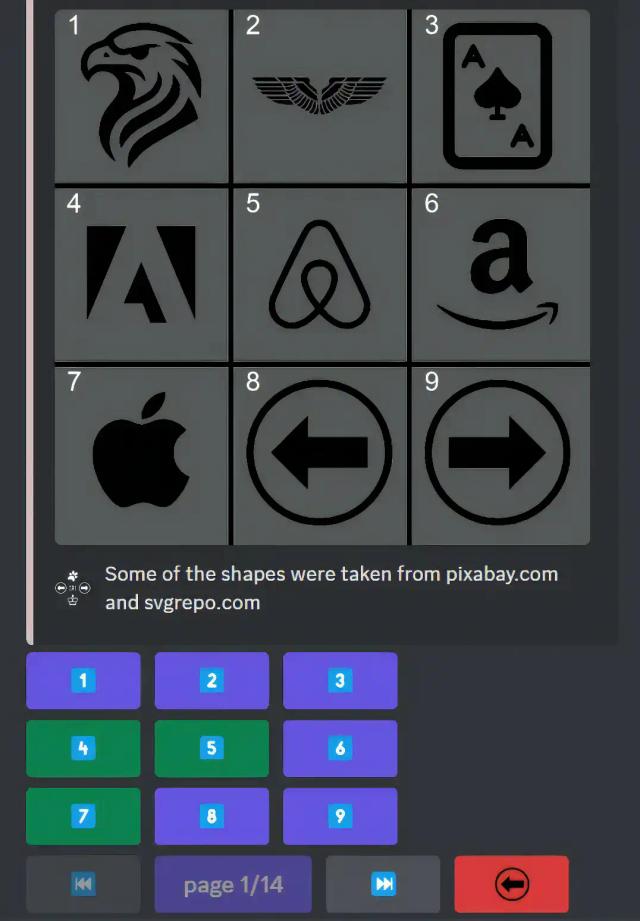
Shapes Library
Choose from our collection of shapes to use in your design.
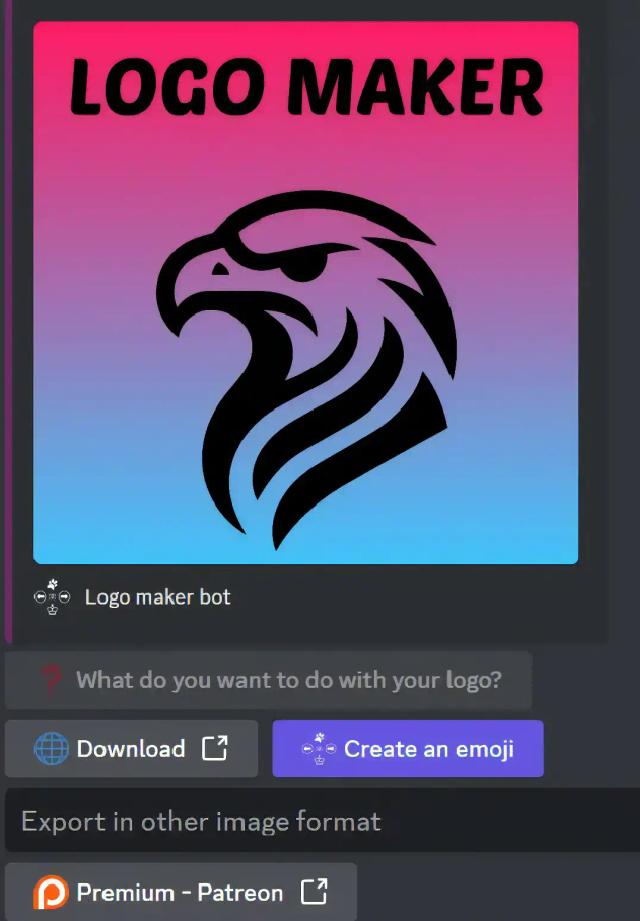
Export Options
Download your logo in a variety of file formats, including PNG, JPG, and GIF, for use across platforms.
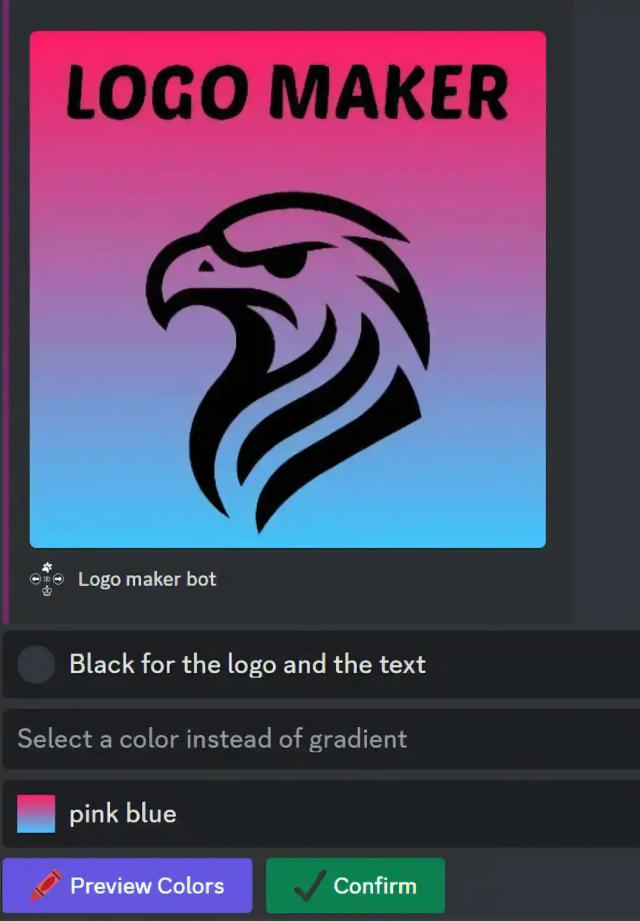
Coloring Tools
Add colors to your logo, if it's a solid color, gradient, or transparent.
Branding
Write your brand on the logo in the most fitting way.
Check out these step-by-step screenshots of Logo Maker in use:
Step 1: Select a Shape
Choose from our collection of shapes to use in your design
Step 2: Add colors
Add colors to your logo, if it's a solid color, gradient or transparent.
Step 3: Download and Use
Export your logo in various file formats or as Discord emojis.
Invite Bot
Join Discord support server
Website
Made by the Quack Bots team


© 2024 Quack Bots. All rights reserved.
Talen
- English
Beoordelingen
Inloggen — Log in om een review te schrijven.
Nog geen reviews — wees de eerste die je ervaring deelt.
Stemstatistieken
Vastgelegd op deze gids in de afgelopen 30 dagen.
Getoonde totalen kunnen geïmporteerde stemmen en administratieve correcties omvatten. De grafiek toont op deze site geregistreerde stemmen, inclusief automatische stemmen.
Laatste 30 dagen
- Stemmen
Geen stemmen hier in de laatste 30 dagen.


