
关于
Create stunning logos with Logo Maker! Make logos, avatars, emojis and more! Use interactive buttons and presets.
Meet Logo Maker, the best Discord bot for designers.
Create professional logos for designers and personal use, all implemented on the Discord App.
Easy to Use
Create logos in just a few clicks with our easy-to-use interface.
Customization
Customize your logo with a wide range of shapes, colors, and design elements to make it your own.
Shapes Library
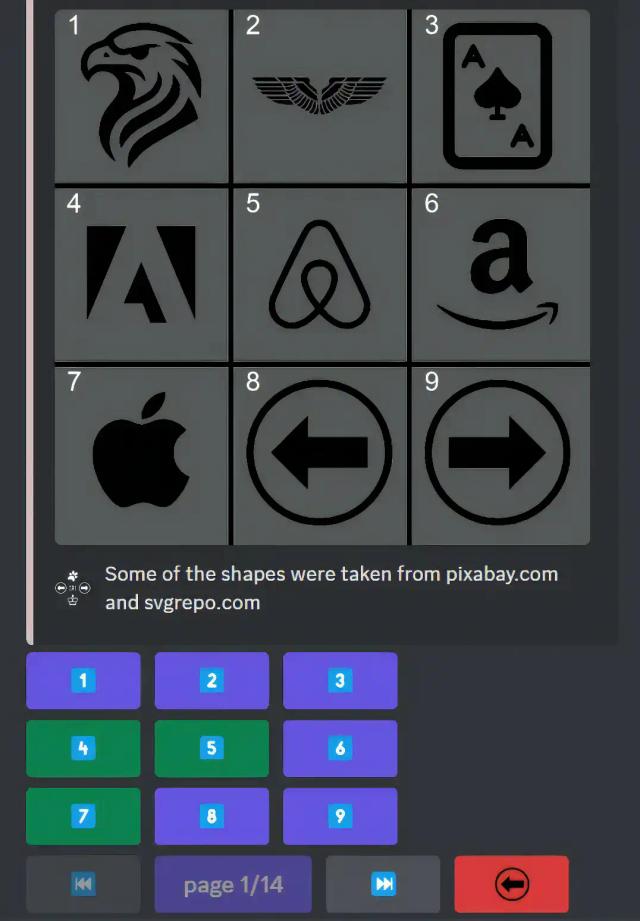
Choose from our collection of shapes to use in your design.
Export Options
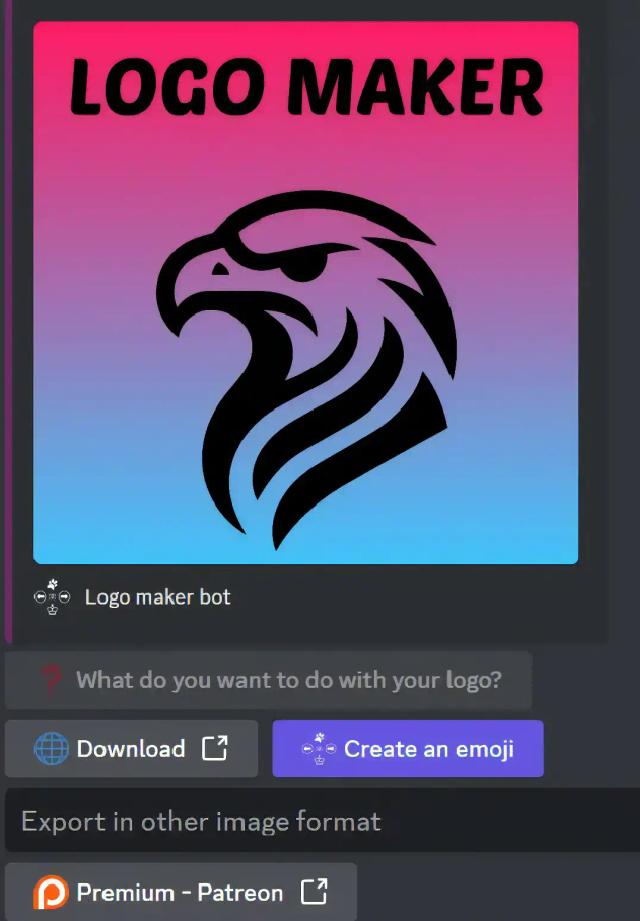
Download your logo in a variety of file formats, including PNG, JPG, and GIF, for use across platforms.
Coloring Tools
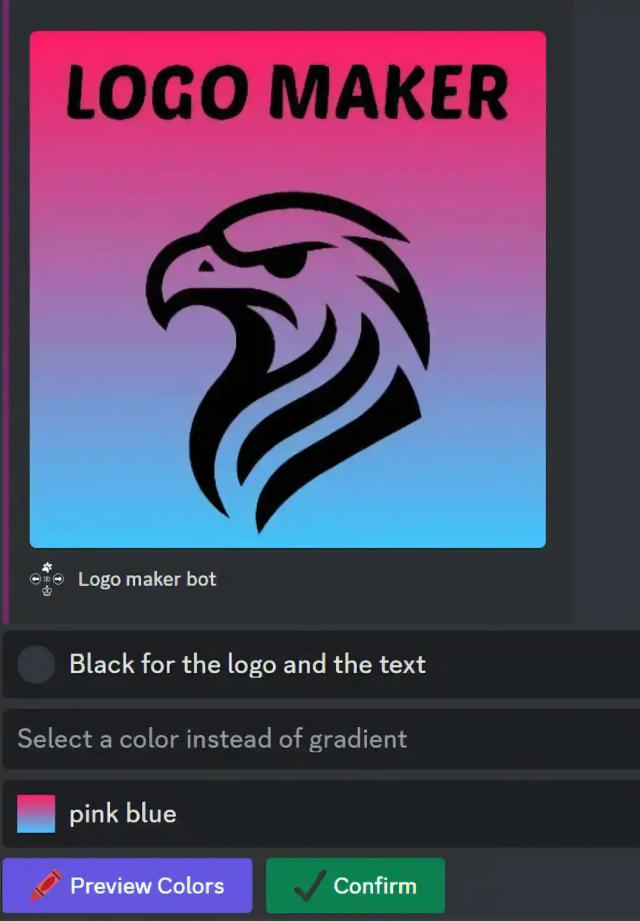
Add colors to your logo, if it's a solid color, gradient, or transparent.
Branding
Write your brand on the logo in the most fitting way.
Check out these step-by-step screenshots of Logo Maker in use:
Step 1: Select a Shape
Choose from our collection of shapes to use in your design
Step 2: Add colors
Add colors to your logo, if it's a solid color, gradient or transparent.
Step 3: Download and Use
Export your logo in various file formats or as Discord emojis.
Invite Bot
Join Discord support server
Website
Made by the Quack Bots team


© 2024 Quack Bots. All rights reserved.
语言
- English
评价
登录 — 登录后即可撰写评价。
暂无评价 — 来分享你的体验吧。
投票统计
本指南过去 30 天记录的数据。
累计总数可能包含其他指南导入的投票。图表只显示本站投票。
最近 30 天
- 投票
最近 30 天这里没有投票。


